
Share kudos for all to see
and celebrate
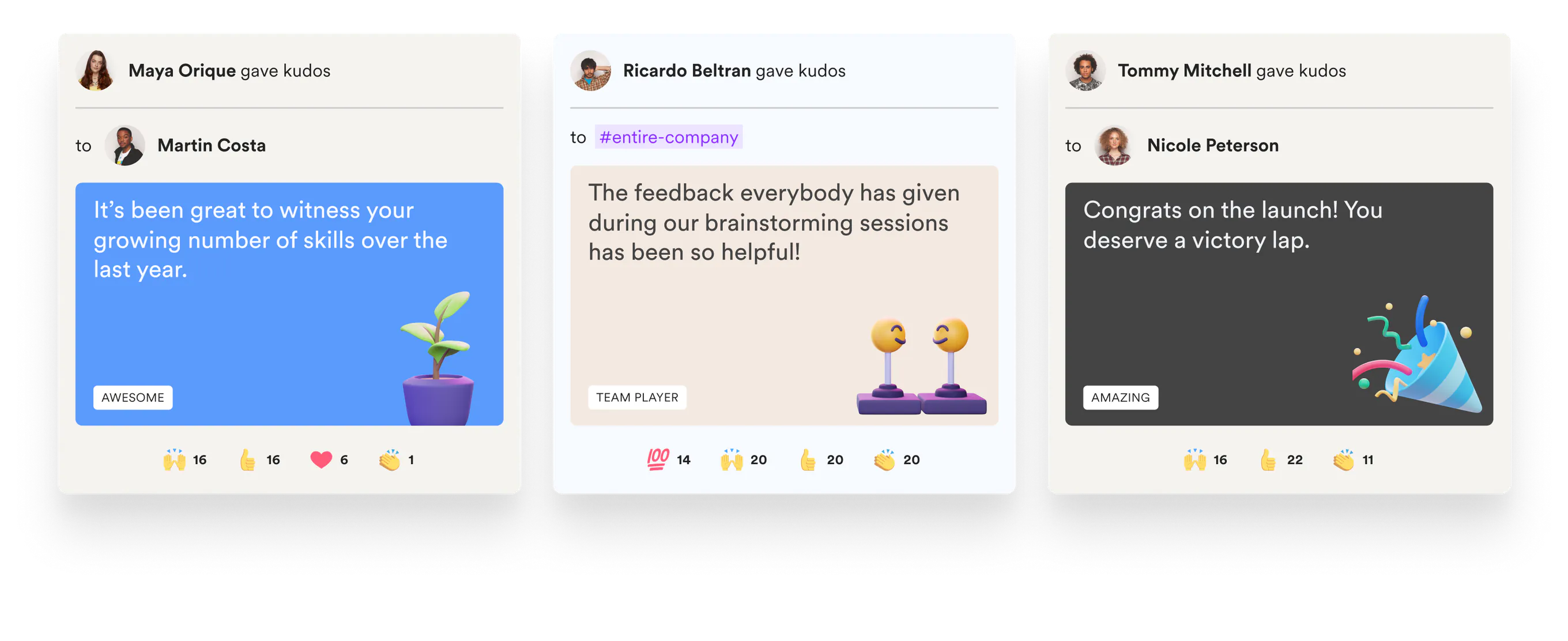
Send peer-to-peer recognition in Slack and Microsoft Teams with kudos that celebrate wins, reinforce company values, and build a culture of appreciation.


Add company values as custom kudos
Make people feel more connected to the company and each other with customizable kudos templates.

Give kudos where you work
Share kudos for all to see and celebrate without leaving Slack or Teams.

Always find the right words to say
10 default kudos templates make it fun and easy to start recognizing.
Ready to start giving kudos?
- Free Forever
- 2 Minute Setup
- No Credit Card Required



Our company’s culture & morale changed overnight! In under 2 months, we’ve had over 2,000 kudos sent and 80%+ engagement across all employees.

4.6x
Teams that create custom kudos types recognize 4.6x more per person.
Frequently asked questions about kudos
How do people give kudos in Slack or Microsoft Teams?

From the channel they are already in. Someone picks a kudos type, chooses a teammate, writes a note, and posts it. No separate portal and no second login, because Matter syncs user management from Slack or Teams. The same app works the same way on both.
Can we tie kudos to our company values?
Yes. Alongside the ten default kudos templates you can create custom kudos for your own values, so a shout-out names the behavior you want more of rather than a generic “nice job”. Teams that create custom kudos types recognize 4.6x more per person.
Is kudos included in the free plan?
Yes. Kudos and the weekly Feedback Friday prompt are on the Free plan for unlimited users. Custom kudos tied to company values, celebrations and analytics are on Basic at $1 per user per month billed annually; rewards are on Pro. Paid plans start with a 14-day free trial and no credit card.
Can anyone give kudos, or only managers?
Anyone can recognize anyone. Recognition on Matter is peer-to-peer by design: about 80% of all kudos sent flow peer to peer rather than down from a manager, measured across nearly 100,000 org-chart mapped events. When a leader wants to make a moment official, with a named award and an optional reward, that’s what spot awards are for.
How long does it take to set up?
About two minutes. Matter installs from the Slack or Microsoft Teams marketplace and pulls your members from the workspace, so there is no HRIS project to run first. Whether your workspace lets members install apps themselves or requires an admin to approve the request is usually what decides how fast you start.