
Building a workplace where employees feel heard requires more than annual check-ins. At Matter, we recognize that organizations encounter significant challenges in maintaining meaningful connections with their teams while gathering timely insights that drive genuine change. Traditional engagement surveys often leave companies waiting months for feedback, missing critical moments when intervention could prevent turnover or boost morale. This reactive approach can lead to disengagement, missed opportunities for improvement, and ultimately, a disconnect between leadership and employees.
Pulse survey software offers a powerful solution by creating continuous feedback loops that keep organizations aligned with employee sentiment throughout the year. These brief, frequent check-ins provide actionable insights that help HR leaders identify issues before they escalate, track trends in real time, and demonstrate to employees that their voices genuinely matter. By strategically implementing the right pulse survey tools, companies can transform how they listen to and respond to their workforce, creating cultures where feedback drives meaningful action and employees feel valued every day. This guide explores the top pulse survey software options available in 2025, helping you choose a solution that fits your team's unique needs and drives lasting improvements in workplace culture.
What is a pulse survey?

Pulse surveys have revolutionized how organizations understand employee sentiment by providing quick and frequent snapshots of workplace health. Unlike traditional annual surveys that provide a once-a-year check-in, pulse surveys capture real-time employee feedback through brief questionnaires sent at regular intervals. Companies can utilize these tools to continuously monitor employee sentiment, identify trends, and resolve concerns before they develop into more significant problems.
Defining pulse surveys and their core purpose
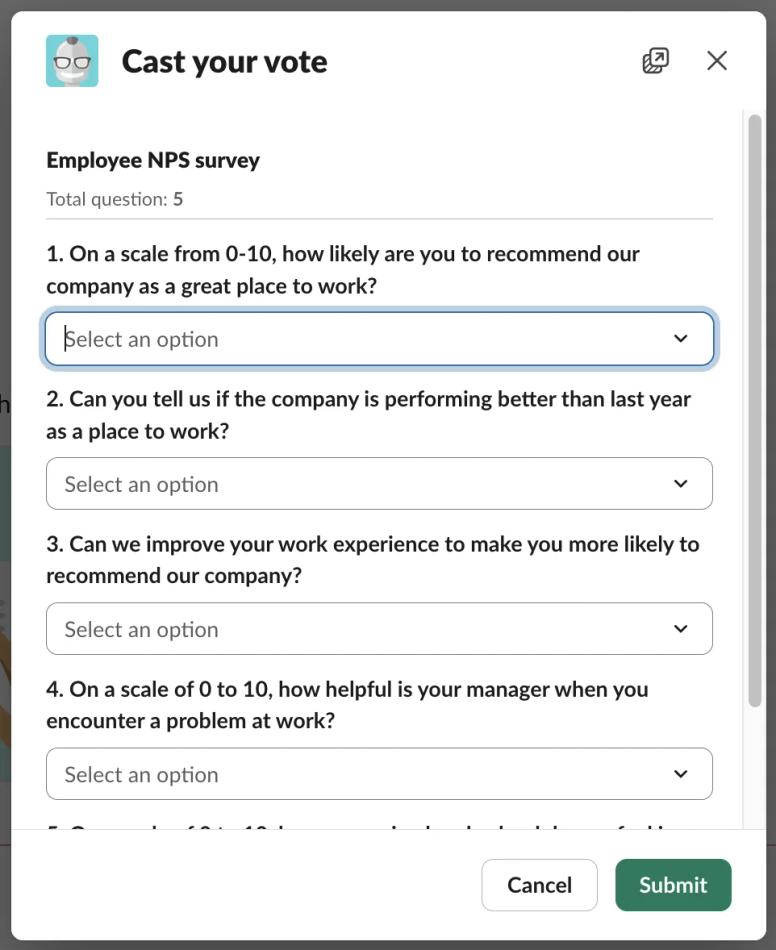
A pulse survey is a short questionnaire typically containing between three and fifteen questions designed to gauge employee engagement, satisfaction, and overall employee experience. The primary purpose is to provide organizations with frequent feedback that reflects current employee sentiment rather than outdated perspectives. These surveys focus on specific topics, such as team dynamics, leadership effectiveness, or recent organizational changes, making them targeted and actionable.
By keeping questions concise and relevant, pulse surveys maintain high response rates and deliver meaningful insights without overwhelming employees. Organizations use these quick check-ins to track engagement trends, monitor shifts in workplace culture, and gather real-time feedback that informs immediate improvements. The brevity of pulse surveys encourages honest feedback while respecting employees' time and attention.
How pulse surveys differ from traditional engagement surveys
The most significant difference between pulse surveys and employee engagement surveys lies in their frequency and scope. Traditional engagement surveys are comprehensive assessments conducted annually or biannually, often containing dozens of questions that cover every aspect of the employee experience. While these provide depth, they lack timeliness and can feel burdensome to complete.
In contrast, pulse surveys are brief check-ins distributed weekly, monthly, or quarterly, with an emphasis on emerging issues and immediate priorities. Key differences include:
- Frequency: Traditional surveys happen once or twice yearly, while pulse surveys occur weekly to quarterly
- Length: Employee engagement surveys contain 40-80 questions, pulse surveys typically have 3-15 questions
- Focus: Annual surveys are comprehensive, pulse surveys target specific, timely topics
- Timeliness: Traditional surveys provide historical data, pulse surveys deliver real-time insights
- Action speed: Annual results take weeks to analyze, pulse survey results enable immediate response
This approach enables organizations to monitor employee engagement levels over time and respond promptly to changing conditions, fostering a culture of continuous feedback rather than periodic evaluation.
The frequency and timing of effective pulse surveys
The optimal survey frequency depends on organizational goals, team size, and the pace of workplace changes. Most companies find success with monthly or bi-weekly pulse surveys, as this cadence provides regular touchpoints without causing survey fatigue. Weekly surveys are well-suited for fast-paced environments or during periods of significant change, while quarterly surveys are better suited to more stable organizations.
The key is consistency, establishing a predictable rhythm that employees expect and can rely on. Smart scheduling also considers workload patterns, avoiding busy periods or the immediate aftermath of major announcements, when employees may need time to process changes before providing candid feedback. Organizations should align pulse survey timing with business cycles, checking in after performance reviews, strategic changes, or major initiatives to capture relevant employee sentiment when it matters most.
What are the benefits of pulse surveys?
Organizations implementing pulse survey software gain numerous advantages that extend far beyond basic data collection. These tools transform how companies understand their workforce, enabling leaders to make data-driven decisions that directly improve employee engagement and organizational performance. The benefits range from immediate tactical insights to long-term strategic advantages that shape workplace culture.
Real-time insights into employee sentiment and engagement
Pulse survey tools provide immediate insight into employees' opinions on their work environment, leadership, and organizational direction. This real-time feedback allows managers to identify satisfaction patterns, recognize emerging concerns, and celebrate positive developments as they happen. Rather than discovering problems months after they began, teams can address issues while they're still manageable.
The continuous flow of employee feedback creates an always-on monitoring system that tracks employee engagement levels across departments, locations, and demographic groups. Benefits of real-time insights include:
- Immediate awareness of declining morale or satisfaction before it impacts performance
- Quick identification of successful initiatives worth expanding across the organization
- Current data that reflects today's reality rather than outdated conditions
- Timely recognition opportunities when achievements are fresh and meaningful
- Rapid response capability to address concerns before they escalate
These real-time insights empower leaders to make informed decisions that reflect current realities rather than outdated assumptions, ultimately enhancing employee satisfaction and workplace effectiveness.
Early detection of workplace issues and opportunities
One of the most valuable aspects of pulse surveys is their ability to serve as an early warning system for potential problems. By gathering frequent feedback, organizations can spot declining engagement, identify team conflicts, and detect dissatisfaction with new policies before these issues affect employee retention or performance. The ability to analyze feedback quickly means that small concerns can be addressed proactively rather than reactively.
Additionally, pulse survey results reveal opportunities for growth, such as successful initiatives worth expanding, high-performing teams whose practices could be replicated, and employees who deserve recognition for outstanding contributions. The dual function of problem detection and opportunity identification makes pulse survey software a vital tool for proactive management. Organizations can continuously measure employee sentiment and respond with targeted interventions that prevent small issues from escalating into major challenges.
Building a culture of continuous feedback and improvement
Regular pulse surveys signal to employees that their opinions matter and that leadership is committed to listening and responding. Team members are able to provide candid feedback without fear of negative consequences, as this practice encourages open and candid communication. Trust and engagement are enhanced when employees observe their contributions contributing to tangible improvements.
The rhythm of frequent surveys normalizes feedback as part of everyday work rather than a special event, creating psychological safety and transparency. Key cultural benefits include:
- Trust building as employees see leadership act on their input
- Psychological safety occurs when people feel heard and valued
- Continuous improvement mindset embedded in daily operations
- Open communication channels between all organizational levels
- Employee empowerment through voice and influence
Over time, this consistent approach to gathering feedback fosters a workplace culture centered on continuous improvement, where learning from employee recognition and constructive input becomes a critical element of the organizational DNA.
How does pulse survey software improve employee recognition?

Connecting employee feedback with recognition creates a powerful cycle that enhances workplace culture and strengthens team bonds. Pulse survey software doesn't just measure how people feel about their work—it reveals opportunities to celebrate achievements, acknowledge contributions, and build a positive work environment where employees feel genuinely valued.
Connecting feedback insights to meaningful appreciation
When organizations analyze pulse survey responses, they uncover patterns that reveal which behaviors, achievements, and contributions matter most to their teams. These insights guide more targeted and meaningful employee recognition efforts that resonate with recipients and reinforce desired workplace behaviors. For instance, leaders may underscore the significance of acknowledging cross-functional partnerships and collaboration if survey results suggest that employees prioritize collaborative endeavors.
This data-driven approach ensures that recognition programs align with what employees actually value, rather than relying on generic gestures. Organizations can use engagement data to:
- Tailor appreciation to match individual preferences revealed in survey responses
- Align recognition with organizational values that employees identify as important
- Time acknowledgments when survey insights show teams need morale boosts
- Customize rewards based on what employees report finding most meaningful
- Strengthen workplace culture by recognizing behaviors employees value most
By understanding employee sentiment through regular surveys, companies can tailor appreciation to match individual preferences and organizational values, making every acknowledgment more impactful.
Identifying recognition opportunities through survey data
Pulse survey results often highlight outstanding individual and team achievements that might otherwise go unnoticed. Comments sections and open-ended responses frequently mention colleagues who went above and beyond, solved difficult problems, or supported team members during challenging times. This qualitative employee feedback serves as a goldmine for recognition opportunities, allowing managers to celebrate contributions they may not have witnessed firsthand.
Additionally, engagement insights reveal which departments or individuals consistently receive positive mentions, helping identify cultural champions who embody company values. By systematically reviewing survey responses for recognition opportunities, organizations ensure that appreciation is frequent, specific, and tied to observable behaviors that foster a strong workplace culture. This approach to providing actionable insights transforms raw feedback into meaningful recognition that reinforces positive contributions.
Automating recognition based on survey responses
Advanced pulse survey tools integrate recognition capabilities directly into the feedback process, creating seamless connections between employee surveys and appreciation. Some platforms automatically trigger recognition workflows when employees receive positive mentions in survey comments or when specific milestones are reported. This automation reduces the administrative burden while ensuring that recognition occurs promptly, rather than getting lost in busy schedules.
Employee pulse survey software with built-in recognition features can also suggest personalized appreciation based on survey participation, anniversary dates, or achievement reports. Automated recognition capabilities include:
- Instant notifications when employees receive positive feedback in surveys
- Scheduled celebrations for birthdays and work anniversaries mentioned in responses
- Recognition prompts based on achievement patterns identified in feedback
- Reward triggers connected to specific survey milestones or participation
- Appreciation suggestions generated from positive sentiment analysis
By connecting feedback insights to employee rewards systems, organizations create a comprehensive approach that fosters a continuous, integrated cycle of listening and appreciation.
What is the best employee pulse survey software for your organization?
Selecting the right pulse survey tool requires careful evaluation of your organization's unique needs, existing systems, and long-term goals. The "best" solution varies significantly depending on company size, industry, budget, and the specific challenges you're trying to solve. A thoughtful selection process considers both current requirements and future scalability.
Evaluating software based on company size and needs
Different organizations require different levels of sophistication in their pulse survey software. Small teams with fewer than fifty employees may prioritize simplicity, affordable pricing, and quick setup over advanced analytics or extensive customization options. Mid-sized companies typically require more robust features, such as department-level reporting, integration with HRIS systems, and customizable survey templates that accommodate diverse teams.
Large enterprises require enterprise-level capabilities, including:
- Multi-language support for global workforces
- Advanced sentiment analysis and predictive analytics
- Role-based access controls and audit trails
- Comprehensive data security measures and compliance certifications
- White-label options for brand consistency
Consider your organization's current size and growth trajectory when evaluating platforms, ensuring the solution can scale as your needs evolve. Also, assess specific pain points, such as low employee engagement, high employee retention challenges, or poor communication, that the software should help address through continuous feedback collection.
Comparing features across leading platforms
The pulse survey software market offers a range of feature sets that distinguish leading platforms from basic solutions. Core capabilities to compare include survey design tools, question libraries, scheduling automation, response tracking, and reporting dashboards. More advanced features worth evaluating include sentiment analysis, predictive analytics, anonymous feedback options, mobile accessibility, and real-time notifications.
Integration capabilities are crucial, as the best employee survey tools seamlessly connect with communication platforms like Slack or Microsoft Teams, HRIS systems, and performance management software. Look for platforms offering customizable surveys with branching logic, multiple question types, and the ability to target specific employee segments. The quality of data visualization and reporting tools varies widely, so request demos showing how each platform presents survey results and identifies actionable insights.
Balancing functionality with ease of use
Even the most feature-rich pulse survey tool delivers limited value if employees find it confusing or time-consuming to use. Platforms that are intuitive and necessitate minimal training for both administrators and survey participants should be prioritized. The employee survey software should make creating surveys, distributing them, and analyzing results straightforward rather than requiring technical expertise or extensive documentation.
Consider how quickly teams can launch their first survey after implementation and whether the platform offers pre-built templates for common pulse survey tool scenarios. Balance advanced functionality with simplicity, recognizing that unused features add complexity without benefit. The most effective employee pulse survey software remains invisible, allowing employees to easily access and complete surveys while administrators effortlessly gather valuable insights. Request trial periods to test usability across different user groups before making final decisions about employee recognition and rewards platform integration.
What software automates pulse survey delivery effectively

Automation transforms pulse surveys from an administrative burden into a seamless component of workplace routine. The right automation features ensure consistent survey distribution, reduce manual work, and maintain engagement without requiring constant oversight. Effective automation respects employees' time while delivering the frequent feedback necessary for meaningful insights.
Software automates pulse survey delivery through smart scheduling
Modern pulse survey software provides sophisticated scheduling capabilities that distribute surveys at optimal times, accounting for organizational calendars, time zones, and workload patterns. The system can autonomously send questionnaires on a weekly, biweekly, monthly, or quarterly basis, without the need for manual intervention, allowing administrators to establish recurring survey cycles. Smart scheduling features analyze historical response rates to identify the optimal days and times for maximum participation, thereby avoiding busy periods such as Monday mornings or Friday afternoons.
Some platforms integrate with calendar systems to prevent surveys from being sent during company holidays, all-hands meetings, or other events that might reduce engagement. Advanced scheduling capabilities include:
- Time zone optimization, ensuring surveys arrive during working hours globally
- Workload awareness, avoiding distribution during known busy periods
- Event coordination integrating with calendars to skip conflicting dates
- Personalized timing based on individual or team response patterns
- Seasonal adjustments accounting for vacation periods or fiscal deadlines
This intelligent automation maintains survey frequency and consistency, establishing reliable touchpoints that employees come to expect as part of normal workflow rather than disruptive interruptions.
Automation features that reduce administrative burden
Beyond scheduling, comprehensive automation handles numerous tasks that would otherwise consume significant administrative time. Automated reminders gently prompt employees who haven't completed surveys, boosting response rates without requiring managers to manually send follow-ups. The best employee pulse survey software automatically segments audiences and sends tailored questions to specific departments, locations, or employee groups based on predefined criteria.
Results compilation happens instantly, with dashboards updating in real-time as responses arrive, eliminating the need for manual data entry or spreadsheet management. Automated reporting generates summary insights, trend analyses, and comparison reports that would take hours to create manually. Some platforms even offer automated action recommendations based on survey results, suggesting specific interventions to address concerns or capitalize on opportunities revealed in employee feedback. This all-encompassing automation enables HR teams and supervisors to concentrate on implementing insights rather than overseeing survey logistics.
Integration capabilities with existing workplace tools
The most effective pulse survey tools integrate seamlessly with the communication platforms, HRIS systems, and productivity software teams already use daily. Native integration with Slack, Microsoft Teams, or email ensures surveys reach employees in their preferred communication channels, without requiring separate logins or unfamiliar interfaces. Connections with HRIS platforms enable automatic synchronization of employee data, ensuring survey distribution lists stay current as team members join, leave, or change roles.
Employee engagement survey tools that integrate with performance management systems provide a holistic view of the employee experience, linking feedback data with performance metrics, goal progress, and development activities. Key integration benefits include:
- Single sign-on eliminates authentication friction for participants
- API capabilities allowing custom integrations tailored to unique workflows
- Data synchronization keeps employee lists and attributes current automatically
- Cross-platform functionality enabling surveys wherever employees work
- Unified dashboards combining pulse data with other people analytics
These integration capabilities transform isolated survey tools into connected components of a broader employee experience ecosystem, making kudos employee recognition and feedback collection feel natural rather than forced.
How to choose the right pulse survey software for your team
Making an informed decision about pulse survey software requires methodical evaluation of features, vendor capabilities, and how well solutions align with your team's specific requirements. A structured selection process helps avoid costly mistakes and ensures your chosen platform delivers long-term value.
Essential features every platform should offer
At a minimum, effective pulse survey software must provide intuitive survey design tools that support a range of question types, including multiple-choice, rating scales, open-ended responses, and Likert scales. In addition to pre-built survey templates, the platform should enable users to customize survey queries to suit the unique needs of their organization. Anonymous feedback capabilities are essential for encouraging honest responses to sensitive topics, such as management effectiveness or organizational culture.
Real-time analytics dashboards should display survey results as responses arrive, presenting data through clear visualizations, such as charts, graphs, and trend lines, that make patterns immediately apparent. Essential platform features include:
- Mobile accessibility allows survey completion from any device
- Data security and privacy protections safeguarding employee responses
- Export capabilities for deeper analysis in external tools
- Historical tracking enabling engagement trends analysis over time
- Multiple question formats supporting diverse feedback collection methods
Additionally, the platform should provide comprehensive data security and privacy safeguards that ensure compliance with pertinent regulations, including GDPR or CCPA, by safeguarding employee responses. Mobile accessibility is no longer optional; employees need the ability to complete surveys on smartphones or tablets rather than being restricted to desktop computers.
Questions to ask vendors during evaluation
When speaking with potential vendors, ask about implementation timelines, training resources, and the availability of ongoing support to understand what's involved in getting started. Inquire about the average response rates their clients achieve and what features contribute to high engagement. Request information about integration capabilities with your existing systems, including technical requirements and whether APIs are available for custom connections.
Ask vendors to demonstrate how their platforms handle various scenarios, such as launching urgent ad hoc surveys, managing survey fatigue, and responding to concerning feedback quickly. Important vendor questions include:
- What is the typical implementation timeline from contract to first survey?
- How do you handle data backup, security certifications, and ownership?
- What ongoing support and training resources do you provide?
- Can you share customer references from similar-sized organizations?
- What's on your product roadmap for the next twelve months?
Understand their data backup procedures, security certifications, and how they handle data ownership and portability if you decide to switch providers. Question their product roadmap to learn about upcoming features and whether they regularly update the platform based on customer feedback. Do not hesitate to request client references from organizations that are comparable to yours in terms of size and industry. These discussions frequently provide practical insights that marketing materials may fail to capture.
Comparing pricing models and implementation timelines
Pulse survey software pricing varies widely based on features, company size, and contract terms. Common models include per-user-per-month pricing, tiered plans with increasing functionality, and enterprise packages with custom pricing for large organizations. Consider not just the initial cost but also implementation fees, training expenses, and ongoing support charges that may not be included in advertised prices. Organizations should evaluate pulse survey app options carefully to find solutions that match their budget requirements.
Some vendors offer freemium models with basic features at no cost, making them attractive for small teams or organizations wanting to test pulse surveys before committing to paid plans. Implementation timelines range from same-day setup for simple cloud-based solutions to several months for complex enterprise deployments requiring data migration, extensive customization, and change management support. Clarify what's included in implementation, whether vendors provide dedicated support during rollout, and how long before your team can launch initial surveys. Understanding the total cost of ownership over a multi-year period and realistic implementation expectations prevents surprises and helps select solutions that fit both budget and timeline constraints while supporting employee rewards programs integration.
15 best pulse survey software and tools comparison

The market offers diverse pulse survey solutions catering to different organizational needs, from comprehensive enterprise platforms to streamlined tools for small teams. This comparison examines fifteen leading options across various price points and capability levels, helping you identify the best fit for your specific requirements.
5 enterprise-level employee pulse survey software solutions
Enterprise pulse survey platforms provide sophisticated features designed for large, complex organizations with diverse needs across multiple locations and departments. These solutions typically offer advanced analytics, extensive customization, robust security, and enterprise-grade support.
1. Matter
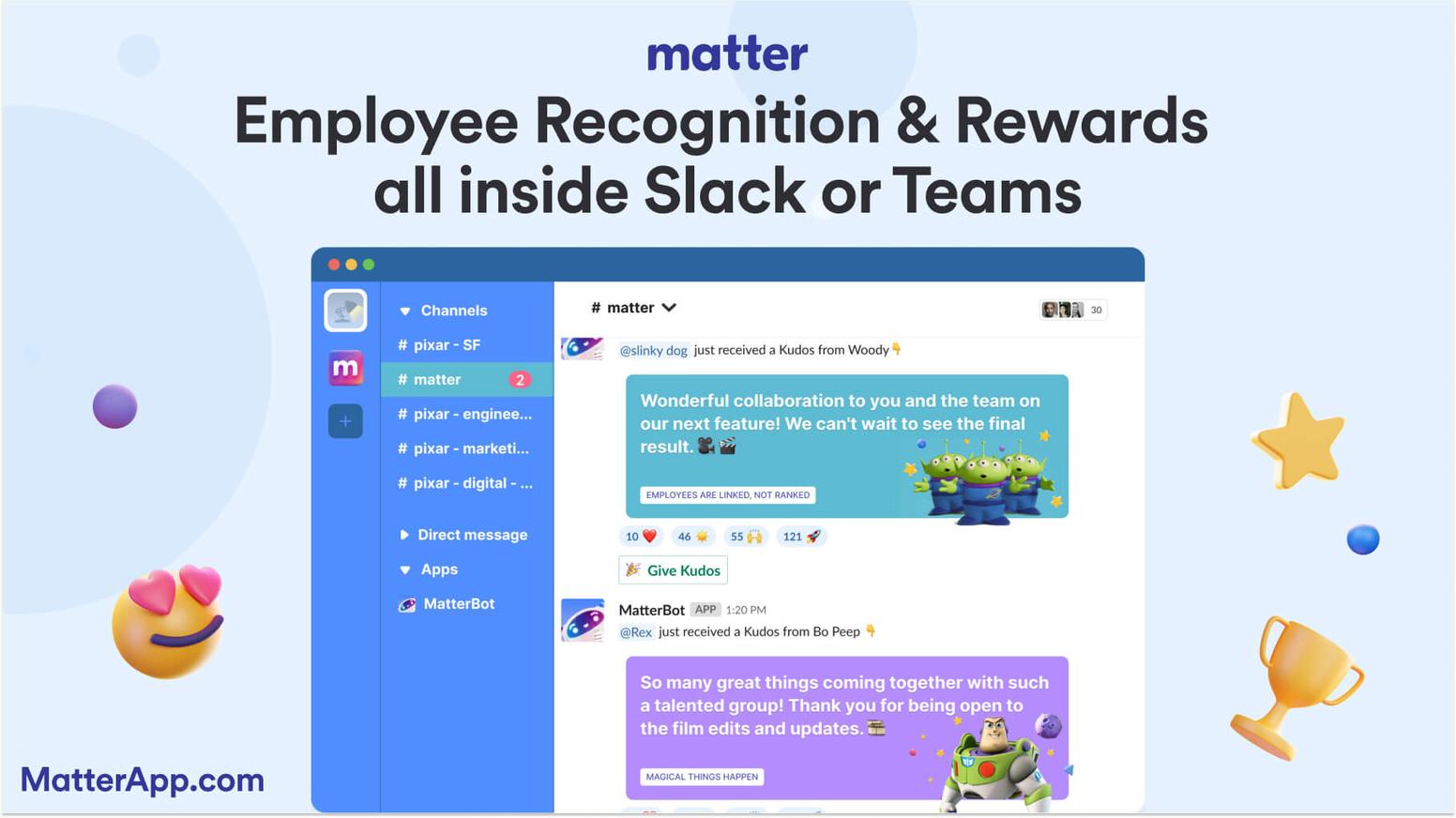
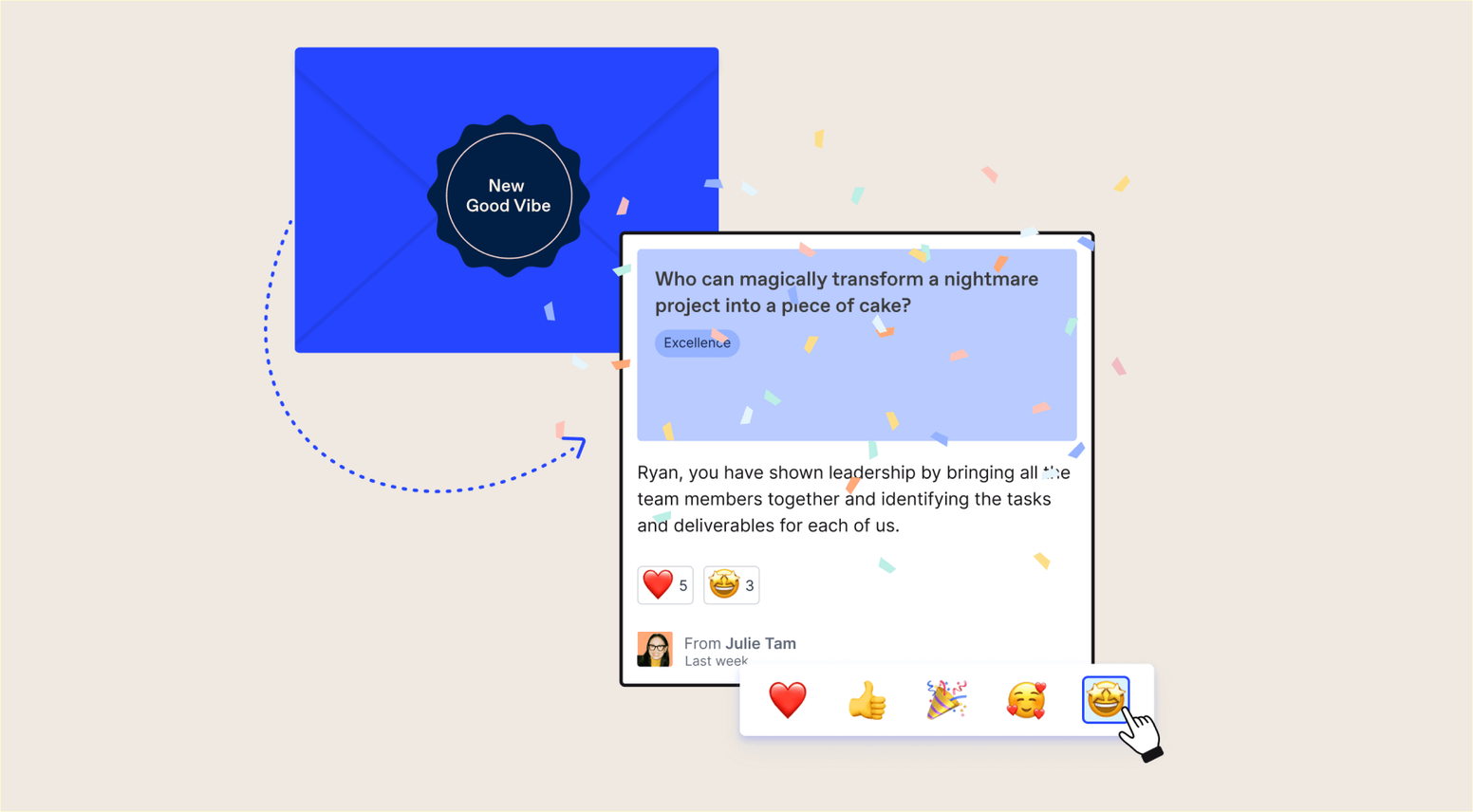
About Matter: Matter is a forward-thinking Slack-first and Teams-first recognition platform designed to simplify and amplify peer-to-peer recognition. Its customizable kudos cards enable employees to celebrate achievements, express gratitude, and align recognition with company values. These cards can be tailored for specific milestones, company initiatives, or personal moments, creating a meaningful way to connect and share. Matter's Feedback Friday automation ensures regular recognition, keeping the process consistent without extra effort. Its intuitive design allows leaders to set up and integrate the platform in minutes, making it a seamless addition to any workplace.
Matter goes beyond simple recognition with its unique coin-based reward system, which encourages employees to engage actively in recognition. Coins can be redeemed for rewards like digital gift cards, charitable donations, or branded company swag, catering to diverse preferences. The platform also automates birthday and work anniversary celebrations, making it effortless to honor these important milestones. With its robust integration into Slack and Microsoft Teams, Matter transforms recognition into a natural, engaging part of daily workflows, fostering a culture of appreciation across teams.

Matter main features:
- Slack and Microsoft Teams integration for seamless workflow
- Beautiful kudos card images and customizable templates
- Automation of gift card rewards delivery, birthdays, and work anniversaries, and custom employee surveys
Matter pricing:
- Free Forever: $0/user/month
- Basic: $1/user/month, billed annually
- Pro: $3/user/month, billed annually
- Pro + Surveys: $5/user/month, billed annually
To learn more, view Matter's pricing page.
Matter G2 score: Matter has a G2 score of 4.7/5 based on user reviews.
What Matter customers are saying: “Our company’s culture & morale changed overnight! In under 2 months, we’ve had over 2,000 kudos sent and 80%+ engagement across all employees. Matter has motivated people to participate like no other software we have ever used.” - Jeff Hagel, President at McInnis & Holloway (Customer Story).
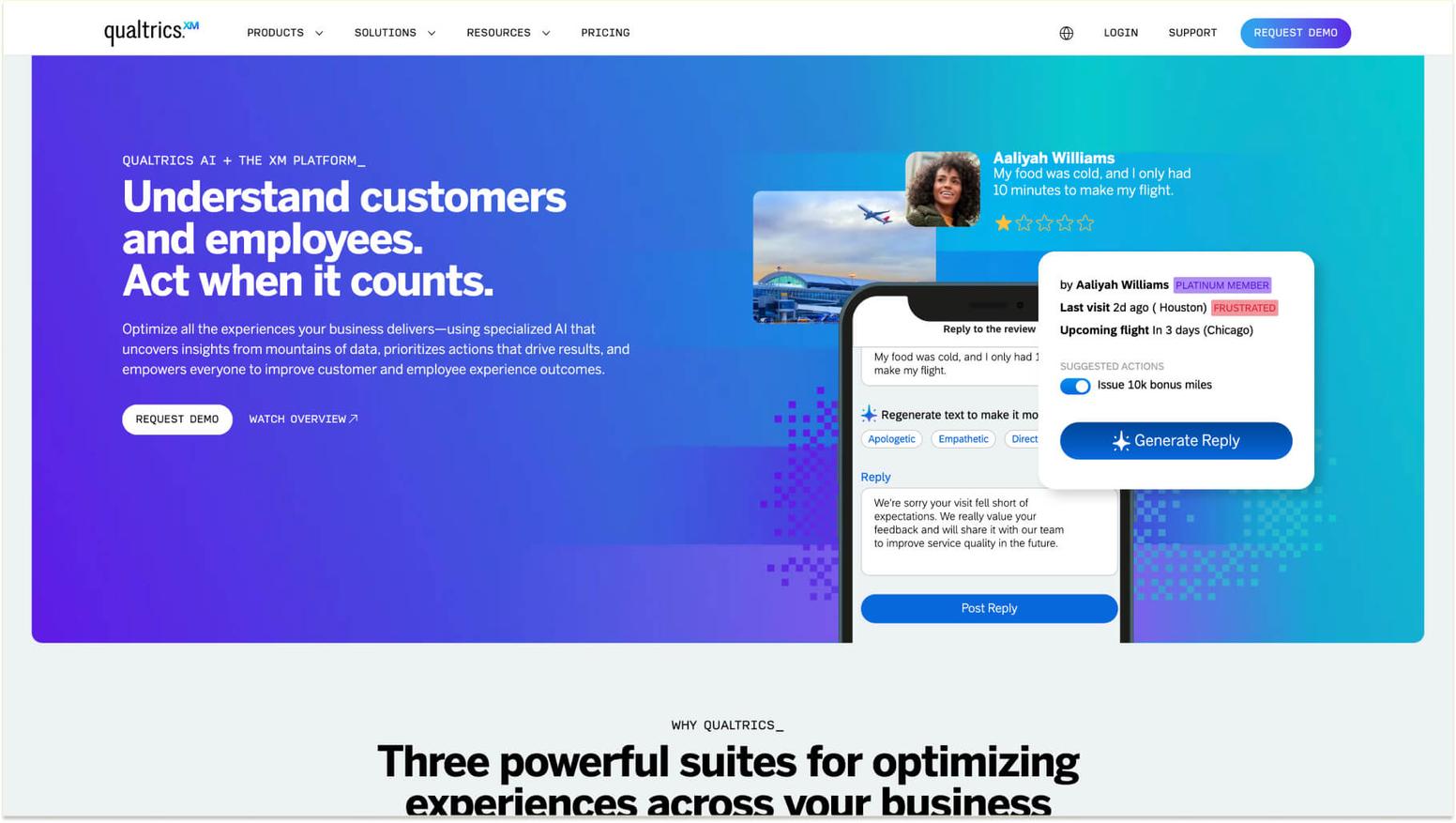
2. Qualtrics EmployeeXP
About Qualtrics EmployeeXP: Qualtrics EmployeeXP stands out as a comprehensive employee experience platform combining pulse surveys with advanced analytics, sentiment analysis, and predictive intelligence. The solution provides sophisticated survey design capabilities, extensive integration options, and enterprise-grade security features that meet the most stringent compliance requirements.

Qualtrics EmployeeXP main features:
- Research-backed question libraries and advanced survey design tools
- AI-powered sentiment analysis and predictive analytics
- Role-based dashboards delivering insights to different stakeholder groups
- Enterprise-grade security and compliance certifications
Qualtrics EmployeeXP pricing: Pricing is not listed on the website. To learn more about pricing, you'll need to schedule a demo/sales call with Qualtrics EmployeeXM.
Qualtrics EmployeeXP G2 score: Qualtrics EmployeeXP has a G2 score of 4.4/5 based on user reviews.
What Qualtrics EmployeeXP customers are saying on G2: “Preston Donohoo, with Red Pepper, has been fantastic to partner with. He is thorough, excellent at training and his customer support is outstanding. He made our implementation go very smoothly. We have found the Qualtrics engagement survey and 360s tools easy to use, with the ability to dive deep into our results. We would definitely recommend Qualtrics to others.” - Kelli G., Global Talent Manager (G2 Review for Qualtrics EmployeeXM).
3. Culture Amp
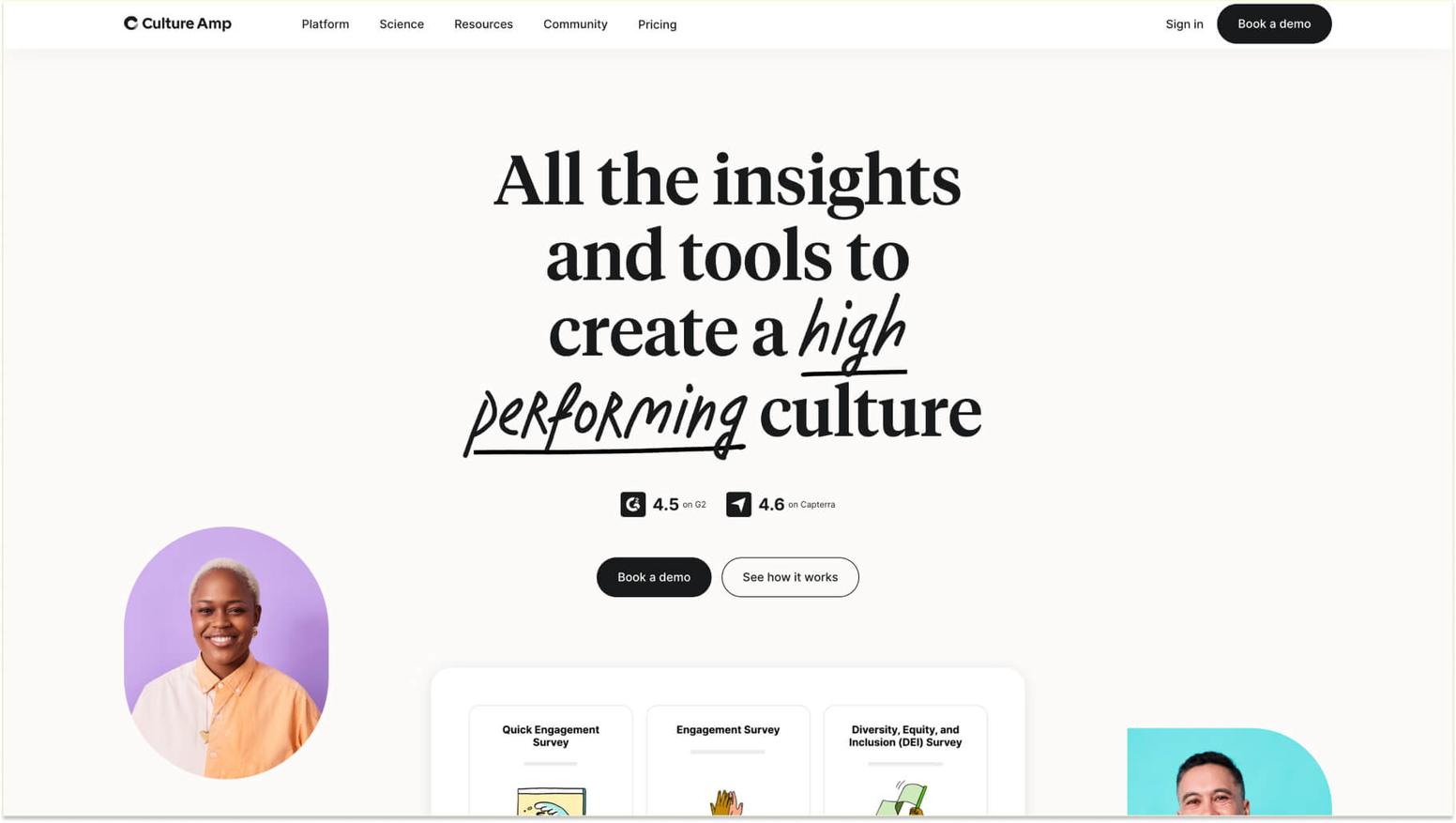
About Culture Amp: Culture Amp provides a research-backed approach to employee engagement, combining pulse surveys with performance management and development tools. The platform features an extensive question library based on industrial-organizational psychology research, ensuring survey questions yield actionable insights.

Culture Amp main features:
- An extensive validated question library based on research
- Industry benchmarking, comparing results against similar companies
- Integration with performance management and development tools
- Action planning features connecting insights to interventions
Culture Amp pricing: Pricing is not listed on the website. To learn more about pricing, you'll need to schedule a demo/sales call with Culture Amp.
Culture Amp G2 score: Culture Amp has a G2 score of 4.5/5 based on user reviews.
What Culture Amp customers are saying on G2: “I’ve been using this software for a while now, and one of its standout features is how well-organized the system is. Everything is laid out in a clear and intuitive way, making it easy to navigate. Additionally, the punctuality of the communications is exceptional – notifications and updates are always timely, ensuring that I stay on top of tasks and deadlines. It’s a reliable tool for those who value efficiency and clear communication. Highly recommended!” - Anna L., SEO Consultant (G2 Review for Culture Amp).
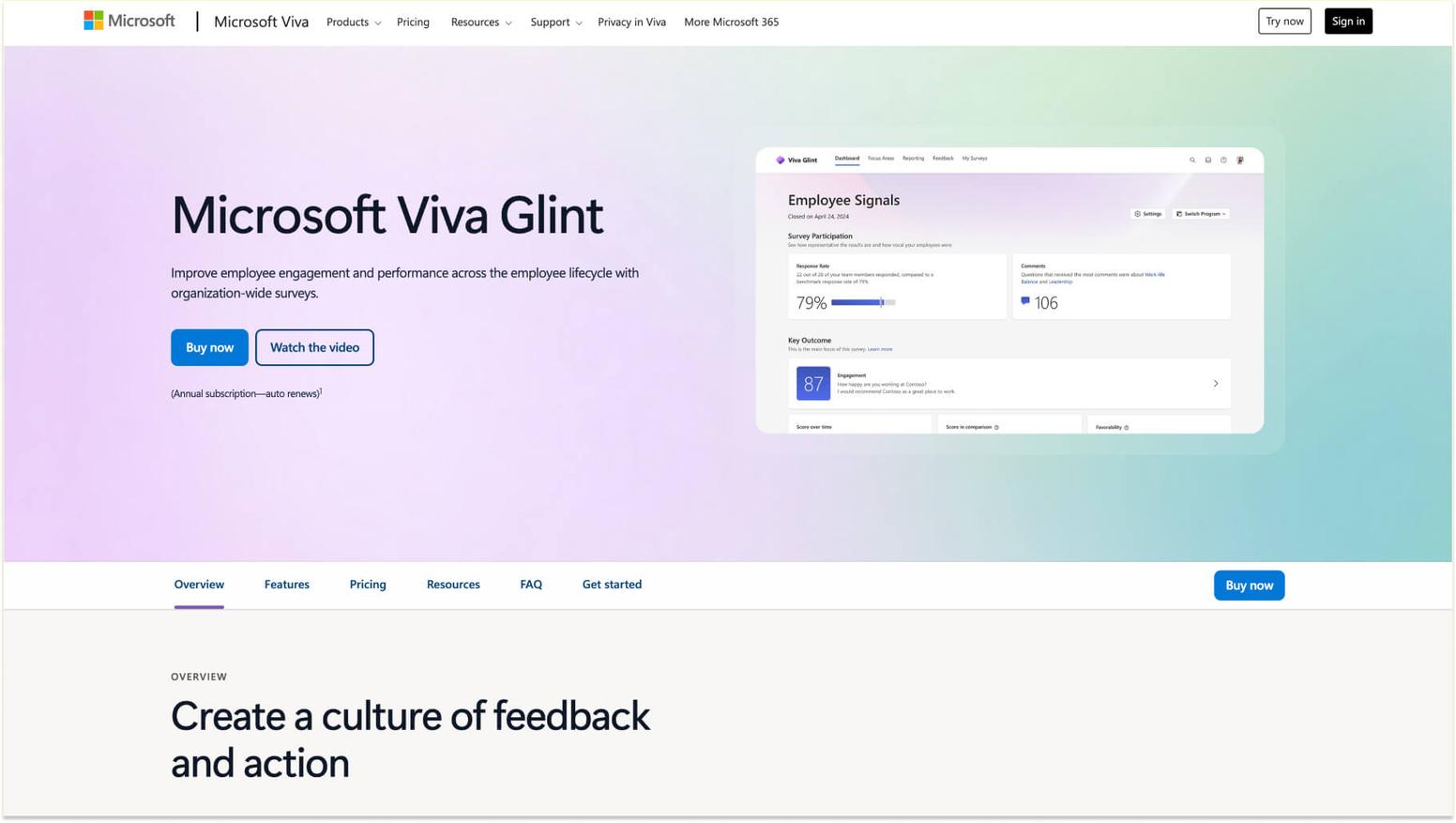
4. Glint
About Glint: Glint (by Microsoft) offers AI-powered pulse surveys that automatically identify key drivers of employee engagement and suggest specific actions based on survey results. The platform's natural language processing analyzes open-ended responses at scale, surfacing themes and sentiment that would be impossible to identify manually.

Glint main features:
- AI-powered analysis identifying engagement drivers automatically
- Natural language processing for open-ended response analysis
- Microsoft 365 integration for seamless user experiences
- Automated action recommendations based on survey insights
Glint pricing:
- Microsoft Viva Employee: $2.00 user/month (Annual commitment)
- Microsoft Viva Workplace: $6.00 user/month (Annual commitment)
- Microsoft Viva Suite: $12.00 user/month (Annual commitment)
To learn more, view Glint’s pricing page.
Glint G2 score: Glint has a G2 score of 4.6/5 based on user reviews.
What Glint customers are saying on G2: “Good depiction of data, easy to view formats with a variety of different cuts of data available. Not super user-friendly, requires too many clicks to filter the data needed.” - Anjali A., Human Resources Consultant (G2 Review for Software).
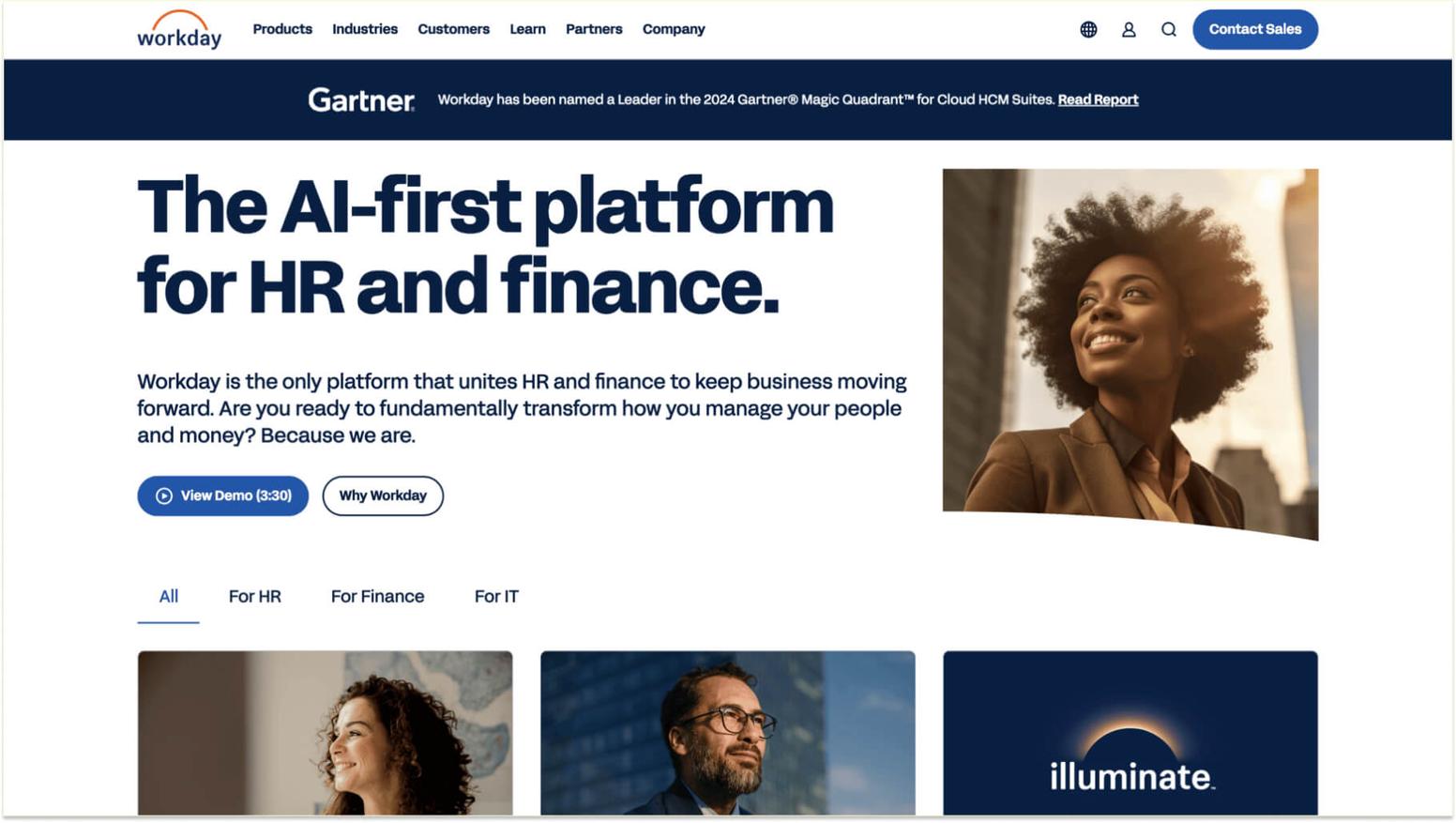
5. Workday Peakon Employee Voice
About Workday Peakon Employee Voice: Workday Peakon Employee Voice combines continuous listening with real-time analytics and intelligent recommendations. The platform automatically segments data by department, location, tenure, and other attributes, making it easy to identify which teams need attention.

Workday Peakon Employee Voice main features:
- Continuous listening with intelligent survey distribution
- Automatic data segmentation by multiple attributes
- Integration with Workday for holistic people data views
- Manager dashboards with actionable recommendations
Workday Peakon Employee Voice pricing:
- Workday Adaptive Planning: Free for 30 days
To learn more, view Workday Peakon Employee Voice’s pricing page.
Workday Peakon Employee Voice G2 score: Workday Peakon Employee Voice has a G2 score of 4.0/5 based on user reviews.
What Workday Peakon Employee Voice customers are saying on G2: “I've found Workday to be a reliable application for handling holiday and HR activities at my company. Its user-friendly interface makes requesting leave and checking balances easy and efficient. Real-time updates ensure I always know my leave status without chasing paperwork. I appreciate the integration with other HR functions, which provides a central hub for important information. While there can be some lag during busy times, overall, Workday simplifies holiday management and enhances transparency for both employees and HR teams.” - Saurabh Y., Senior Engineer (G2 Review for WorkDay).
5 mid-market pulse survey tools for growing companies
Mid-market solutions strike a balance between functionality and accessibility, offering robust features without the complexity or cost of enterprise platforms. These tools provide the capabilities growing organizations need while remaining approachable and affordable.
6. Workleap/Officevibe
About Workleap/Officevibe: Workleap/Officevibe (by GSoft) delivers user-friendly pulse surveys focused on manager enablement and actionable insights. The platform offers survey templates that cover key engagement drivers, automated pulse scheduling, and intuitive dashboards, helping managers understand their team's needs.

Workleap/Officevibe main features:
- Pre-built survey templates for common engagement topics
- Automated weekly or monthly pulse scheduling
- Manager-focused dashboards with team insights
- Anonymous messaging for sensitive feedback
Workleap/Officevibe pricing:
- Free: $0/user/month
- Essential: $3.50/person/month
- Pro: $5/person/month
To learn more, view Workleap/Oficevibe’s pricing page.
Workleap/Officevibe G2 score: Workleap/Officevibe has a G2 score of 4.3/5 based on user reviews.
What Workleap/Officevibe customers are saying on G2: “Officevibe provides a regular stream of honest feedback and discussion between managers and employees across our company. GoodVibes has become THE way our employees appreciate and recognize one another. Our management team disucsses the data and anonymous responses on a monthly basis.” - Anthony B., President (G2 Review for Workleap).
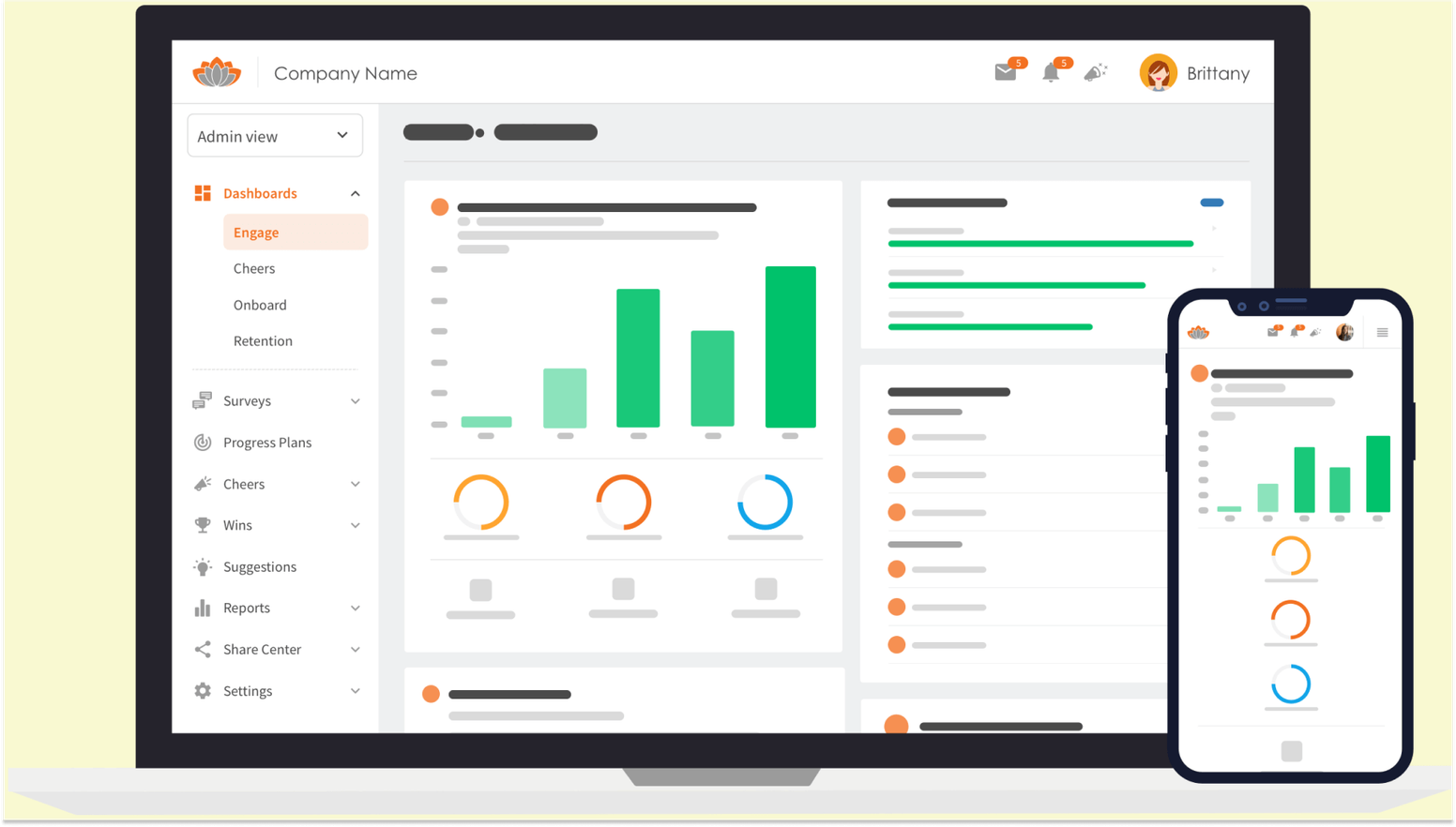
7. TINYpulse
About TINYpulse: TINYpulse specializes in anonymous employee feedback and peer recognition. The platform's signature Weekly Pulse survey asks a single question each week, keeping surveys brief while gathering comprehensive data over time.

TINYpulse main features:
- Weekly single-question pulse surveys for simplicity
- Anonymous suggestion box for ongoing feedback
- Cheers for the Peers recognition tool integrated with surveys
- Trend tracking showing engagement changes over time
TINYpulse pricing: Pricing is not listed on the website. To learn more about pricing, you'll need to schedule a demo/sales call with TinyPulse.
TINYpulse G2 score: TINYpulse has a G2 score of 4.9/5 based on user reviews.
What TINYpulse customers are saying on G2: “How the questions repeat so much.. not much diversity in the questions. Questions are repeated but maybe asked differently.” - Holly S., E-Learning.
8. Lattice
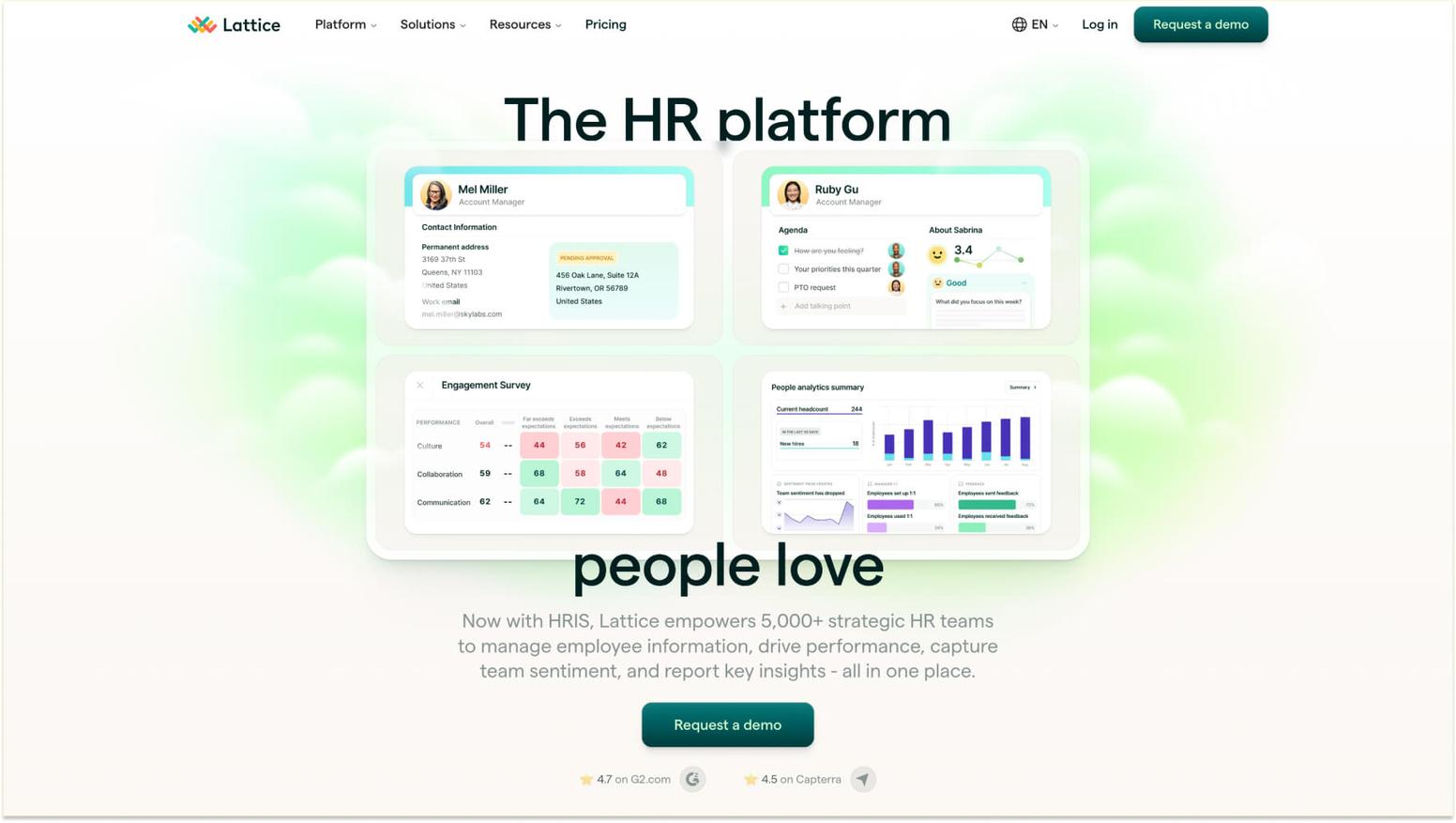
About Lattice: Lattice integrates pulse surveys with performance management, goals, and career development into a unified platform for people success. Organizations benefit from connecting employee feedback directly with performance conversations, identifying how engagement affects productivity and growth.

Lattice main features:
- Integration of surveys with performance reviews and goals
- Customizable survey templates and question libraries
- Real-time dashboards tracking engagement metrics
- Action planning tools connecting feedback to interventions
Lattice pricing:
- Talent Management: $11/seat/month
- HRIS: $5/seat/month
- Engagement: $4/seat/month
- Grow: $4/seat/month
- Compensation: $6/seat/month
To learn more, view Lattice’s pricing page.
Lattice G2 score: Lattice has a G2 score of 4.7/5 based on user reviews.
What Lattice customers are saying on G2: “Ease of use and ease of implementation. The implementation time commitment was hours not weeks. We initially implemented all modules except Grow, Comp, and Engage and manged to configure and test all modules in less than two weeks. The product team is very receptive to feedback and also able to help come up with creative workarounds for functional gaps. The customer support is great and very responsive.” - Matthew H., Senior Human Resources Manager (G2 Review for Lattice).
9. 15Five
About 15Five: 15Five combines pulse surveys with weekly check-ins, one-on-one meeting tools, and objective tracking. The platform emphasizes continuous performance management and regular manager-employee conversations supported by pulse survey insights.

15Five main features:
- Weekly check-ins combined with pulse survey capabilities
- One-on-one meeting agendas informed by feedback data
- Objectives and key results tracking integrated with surveys
- Manager coaching resources based on team engagement
15Five pricing:
- Engage: $4/user/month, billed annually
- Perform: $10/user/month, billed annually
- Total Platform: $16/user/month, billed annually
- Transform: on-demand packages starting at $99/month
To learn more, view 15Five’s pricing page.
15Five G2 score: 15Five has a G2 score of 4.6/5 based on user reviews.
What 15Five customers are saying on G2: “We have built a company wide OKR tied to our company wide average Pulse score. It is an easy check of how the company is "feeling" from week to week, and over the last 2 years, I have found it to be accurate, important and super easy for the team to adopt and stay consistent in use.”- Dan A., Small-Business (G2 Review for 15Five).
10. Energage
About Energage: Energage (formerly WorkplaceDynamics) provides research-backed pulse surveys focused on Top Workplaces benchmarking and employer branding. The platform helps organizations understand how their employee experience compares to award-winning workplaces and provides specific guidance for improvement.

Energage main features:
- Research-backed surveys aligned with Top Workplaces standards
- Benchmarking against award-winning organizations
- Employer branding support based on survey results
- Comprehensive reporting on culture strengths and opportunities
Energage pricing: Pricing is not listed on the website. To learn more about pricing, you'll need to schedule a demo/sales call with Energage.
Energage G2 score: Energage has a G2 score of 4.6/5 based on user reviews.
What Energage customers are saying on G2: “The pulse survey section still needs work I want a system that I can customize the wording of the rankings, create yes/no questions if I want and be able to order the sequence of questions so they make sense to me. I want to add skip logic so people who answer one way to a question can skip over a question to the next question. Changes were made to the pulse survey section so that it really doesn't work for me now. I've stopped using it and moved to google forms instead” - Verified User in Staffing & Recruiting (G2 Review for Software).
5 budget-friendly options for small teams
Smaller organizations and teams can access powerful pulse survey capabilities through affordable platforms designed for simplicity and quick implementation. These options provide essential features without requiring significant investment.
11. SurveyMonkey
About SurveyMonkey: SurveyMonkey offers flexible survey creation tools that extend beyond pulse surveys to meet a range of feedback needs. While not specifically designed for employee engagement, SurveyMonkey's intuitive interface, extensive question types, and affordable pricing make it accessible for small teams experimenting with pulse surveys.

SurveyMonkey main features:
- Intuitive drag-and-drop survey builder
- Extensive question type library
- Basic analytics and reporting dashboards
- Email and web link distribution options
SurveyMonkey pricing:
- Team Advantage: $25/user/month, starting at 3 users, billed annually
- Team Premier: $75/user/month, starting at 3 users, billed annually
- Enterprise: Talk to sales for pricing
To learn more, view SurveyMonkey’s pricing page.
SurveyMonkey G2 score: SurveyMonkey has a G2 score of 4.4/5 based on user reviews.
What SurveyMonkey customers are saying on G2: “The free plan lets you create surveys with up to 25 responses. For most real-world uses, that's very limiting. The basic paid plan doesn't cut it either. If you need to export your data, you're looking at the higher tiers that run closer to $100/month. Additionally, the survey customization options can be a lot better. The competitors in this space offer advanced customization that SurveyMonkey is definitely missing.” -Nitin M., Product Manager (G2 Review for SurveyMonkey).
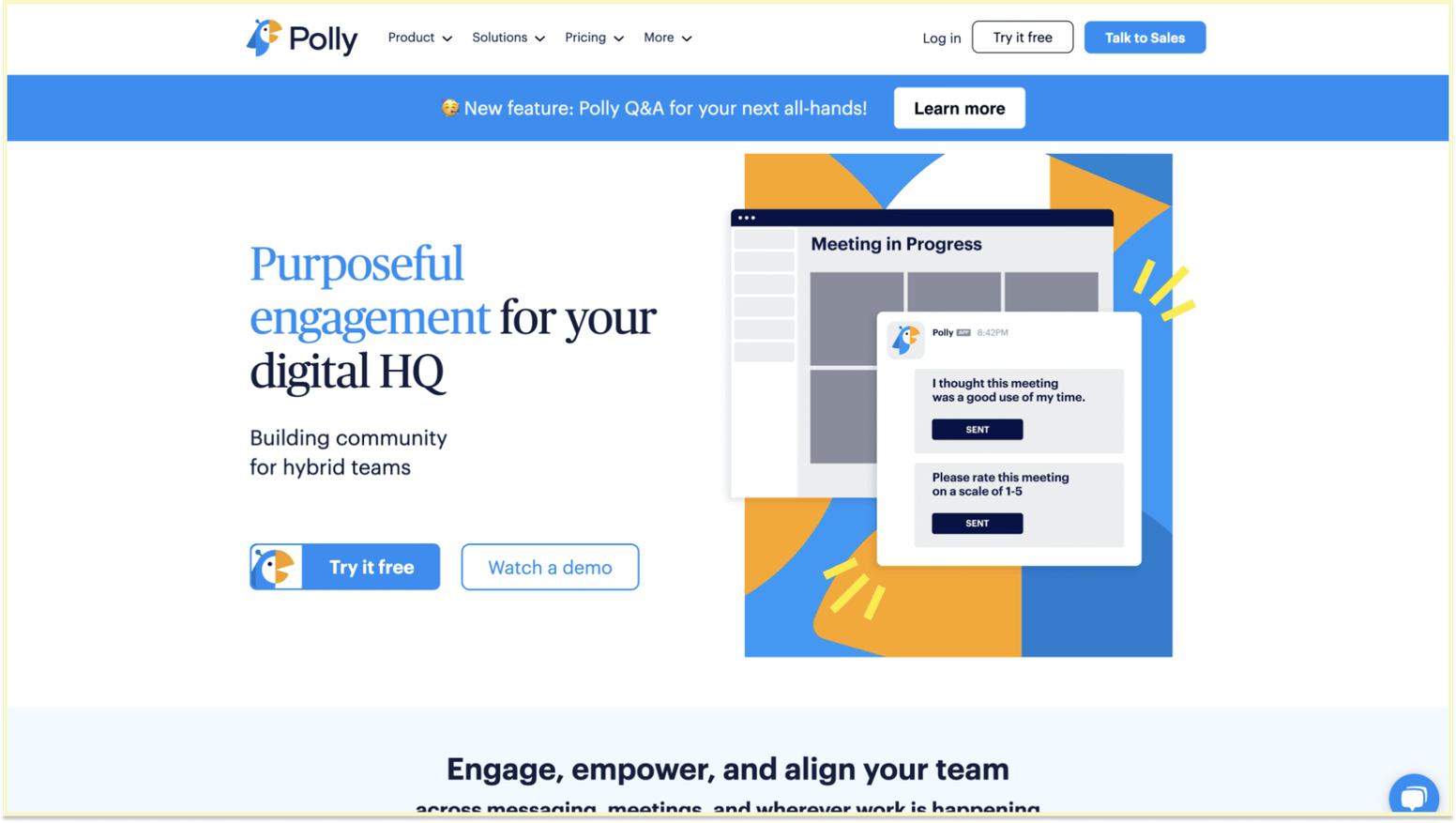
12. Polly
About Polly: Polly operates as a Slack and Microsoft Teams app, delivering pulse surveys directly within communication platforms teams already use. This native integration removes friction from survey participation and makes results immediately visible to relevant stakeholders.

Polly main features:
- Native Slack and Microsoft Teams integration
- Quick poll creation with templates
- Real-time results are visible in communication channels
- Scheduled recurring polls for pulse check-ins
Polly pricing:
- Free: $0 per month
- Basic: $12 per month. Billed $144 annually for 1 license
- Pro: $24 per month. Billed $288 annually per license
- Enterprise: Talk to sales for pricing
To learn more, view Polly’s pricing page.
Polly G2 score: Polly has a G2 score of 4.6/5 based on user reviews.
What Polly customers are saying on G2: “Love that it integrates so seamlessly with Slack. I can create a question bank and share it with certain channels. The options for questions is great, making surveys as complete as possible in order to get the most feedback. Super easy to use and implements so well. I use on a case to case basis but slowly making part of my weekly use.” - Stephanie R. (G2 Review for Polly).
13. Typeform
About Typeform: Typeform offers beautifully designed surveys with conversational interfaces that increase engagement and completion rates. While not specifically an employee survey tool, Typeform's user experience excellence makes it popular for pulse surveys in design-conscious organizations.

Typeform main features:
- Conversational survey interfaces with a beautiful design
- Logic jump features for sophisticated survey flows
- Mobile-optimized experiences for any device
- Integration capabilities with various business tools
Typeform pricing:
- Basic: $25 per month
- Plus: $50 per month
- Business: $83 per month
- Enterprise: Talk to sales for pricing
To learn more, view Typeforme’s pricing page.
Typeform G2 score: Typeform has a G2 score of 4.5/5 based on user reviews.
What Typeform customers are saying on G2: “Typeform was fast and easy to use. No struggling to figure out how it works. I wish all platforms were this easy! I was able to find and send links to clients, I use it several times a week and will likely increase my use of typeform, It was easy to plug in to my app platform at Passion.io.” - Michele D. P., Workshop Facilitator & TSM Recovery Coach (G2 Review for Typeform).
14. Google Forms
About Google Forms: Google Forms provides completely free survey creation with unlimited responses and basic analytics. For teams with limited budgets, Google Forms provides a starting point for gathering employee feedback, although it lacks specialized features such as automated scheduling, advanced analytics, or engagement benchmarking.

Google Forms main features:
- Free unlimited surveys and responses
- Basic question types and survey logic
- Simple charts and response summaries
- Integration with Google Sheets for data analysis
Google Forms pricing:
- Starter: $4.90 user per month
- Standard: 9.80 user per month
- Plus: $15.40 user per month
- Enterprise Plus: Talk to sales for pricing
To learn more, view Google Forms pricing page.
Google Forms G2 score: Google Forms has a G2 score of 4.6/5 based on user reviews.
What Google Forms customers are saying on G2: “Honestly, I enjoy using Google Workspace overall, though it can be somewhat challenging when the internet connection is unstable, as most of its tools require being online. Additionally, with so many apps like Docs, Sheets, Drive, and Meet, it can feel a bit overwhelming at first. However, once you become familiar with the platform, everything tends to run very smoothly.” - Girishchand B., Test Engineer Level 2 (G2 review for Google Forms).
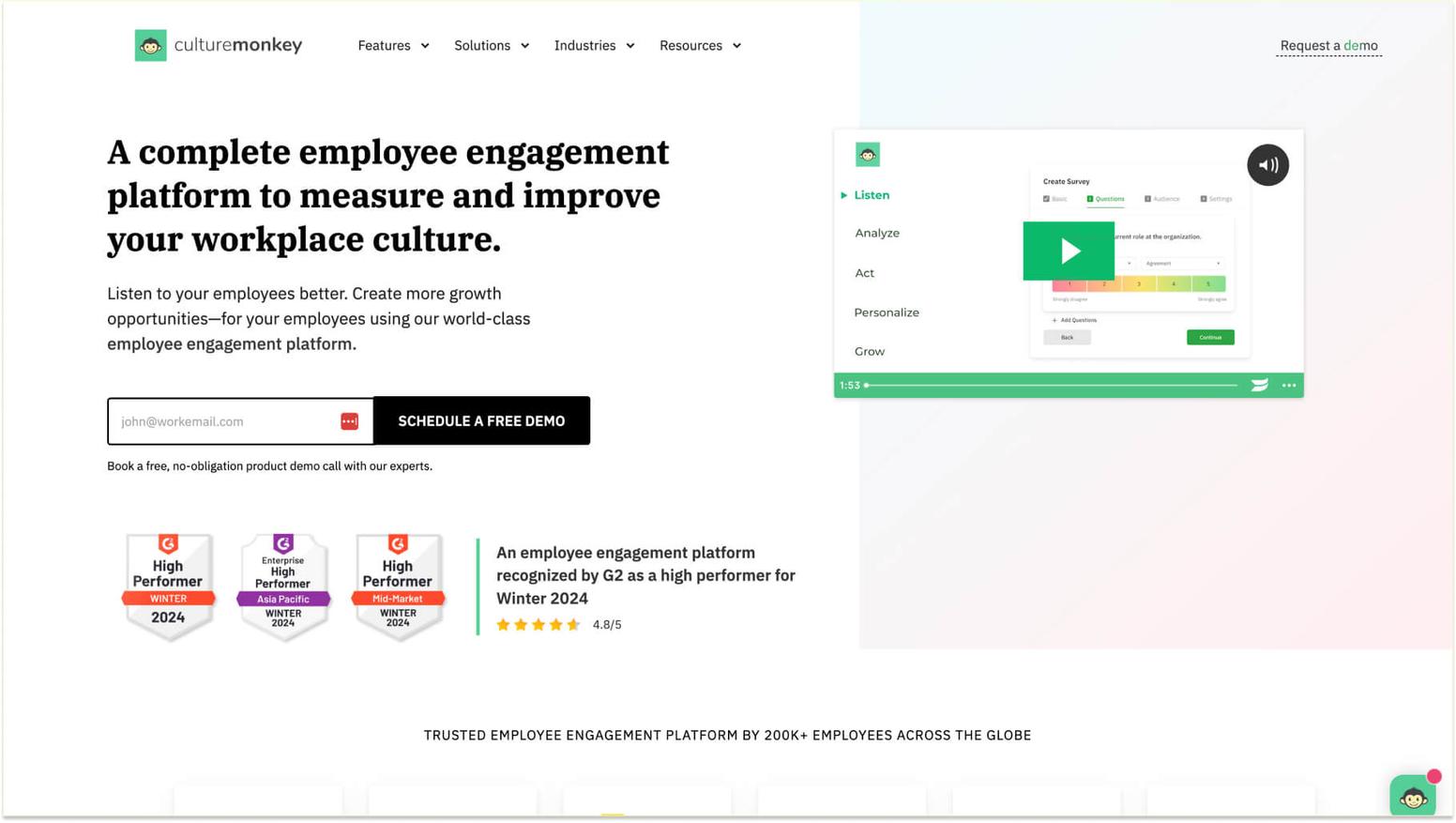
15. CultureMonkey
About CultureMonkey: CultureMonkey provides employee engagement survey software with advanced dashboards and analytics capabilities. The platform offers comprehensive reporting tools with customizable views split by manager level, locations, departments, and roles, helping organizations gain deep insights into employee sentiment.

CultureMonkey main features:
- Advanced dashboards with customizable reporting views
- Manager-level analytics and action planning features
- Segmentation by locations, departments, and roles
- Stakeholder involvement tools for collaborative improvement
CultureMonkey pricing: Pricing is not listed on the website. To learn more about pricing, you'll need to schedule a demo/sales call with CultureMonkey.
CultureMonkey G2 score: CultureMonkey has a G2 score of 4.7/5 based on user reviews.
What CultureMonkey customers are saying on G2: “Culture Monkey has the most advanced dashboards that I have come across in a lot of tools that i have evaluated or worked with in the past. There are customized reports and views available, split by manager level, locations, departments and roles. The best feature is the manager-level cuts and the action planning where we can actively involve stakeholders and make them a part of the solution to improve engagement scores across the org.” - Pallavi D., Mid-Market (G2 Review for CultureMonkey).
These fifteen platforms demonstrate that effective pulse surveys don't require massive investment, though organizations should consider feature limitations when compared to specialized enterprise solutions. The key is matching platform capabilities to actual needs rather than overbuying features that won't be used or underinvesting in tools that can't deliver required insights.
For organizations prioritizing the connection between feedback and recognition, platforms like Matter offer unique value by addressing both listening and appreciation within a single, integrated solution. This approach ensures that employee feedback directly informs recognition efforts, creating cultures where employees feel both heard and valued. Teams can explore comprehensive libraries of pulse survey questions designed to gather meaningful insights across engagement dimensions.
The most effective solutions integrate feedback collection with action, particularly when survey insights connect seamlessly to appreciation workflows. Organizations benefit from evaluating employee recognition platform features alongside survey capabilities, as integrated systems ensure that listening leads to meaningful acknowledgment and continuous improvement cycles where feedback and appreciation reinforce each other.
Pulse survey examples that showcase software capabilities
Understanding how different platforms handle surveys, present results, and enable action helps evaluate which solution best fits your needs. Examining real-world applications reveals the practical differences between basic survey tools and sophisticated employee pulse survey software.
Real-world survey templates and question libraries
Leading pulse survey platforms offer extensive, pre-built templates addressing common workplace topics, including engagement, wellness, remote work effectiveness, diversity and inclusion, and leadership effectiveness. These templates save significant time during survey creation while ensuring questions are properly worded to yield meaningful insights. For example, an employee engagement survey template might include questions measuring autonomy, such as "I have the freedom to decide how I complete my work," alongside questions about purpose, like "I understand how my work contributes to our organization's success."
Wellness-focused templates typically address work-life balance, stress levels, and access to mental health resources. Remote work surveys assess satisfaction with communication tools, feelings of connection to teammates, and the adequacy of home office setups. Common template categories include:
- Onboarding surveys checking in at 30, 60, and 90 days with new hires
- Manager effectiveness measuring leadership, communication, and support quality
- Diversity and inclusion: assessing belonging, fairness, and psychological safety
- Work-life balance evaluating workload, flexibility, and well-being support
- Change management: gathering feedback during organizational transitions
The best platforms allow customization of these templates, letting organizations add company-specific questions while maintaining research-backed core questions. Access to validated question libraries grounded in organizational psychology research helps avoid poorly designed surveys that yield unclear or unusable data. Organizations can reference employee engagement survey examples to understand how effective templates address different workplace topics.
Customizable survey workflows for different scenarios
Advanced employee survey software supports a range of survey scenarios beyond standard recurring pulses. Onboarding surveys check in with new employees at intervals of 30, 60, and 90 days, gathering feedback on the hiring process, training effectiveness, and early employee experience. Lifecycle surveys target employees at critical moments, such as returning from parental leave, transferring between departments, or approaching work anniversaries.
Post-event surveys are conducted following major organizational changes, training programs, or company events to assess the impact and gather suggestions for improvement. Exit surveys capture insights from departing employees, but they work best when integrated with ongoing pulse surveys that may have prevented turnover. Organizations that implement comprehensive engagement survey strategies benefit from flexible workflows that accommodate different employee touchpoints. Scenario-specific capabilities include:
- Branching logic adapts subsequent questions based on previous answers
- Audience segmentation targeting specific departments, locations, or roles
- Conditional workflows triggering follow-up surveys based on initial responses
- Event-triggered surveys automatically launch at specific employee milestones
- Ad-hoc surveys enabling urgent feedback collection when unexpected situations arise
The ability to configure different question sets, timing, and target audiences for these scenarios makes pulse survey software more versatile than generic survey tools. For instance, if someone indicates low satisfaction with their manager, follow-up questions might probe specific aspects of the relationship, while positive responses skip these detailed questions.
Response visualization and reporting examples
How platforms present survey results dramatically affects their usefulness for decision-making. Effective visualization transforms raw data into insights that busy leaders can quickly understand and act upon. Dashboard examples should display key metrics, such as overall engagement scores, participation rates, and trends over time, through clear graphs and charts.
Heatmaps can reveal which departments or locations exhibit the highest and lowest engagement, making geographic or organizational patterns immediately visible. Word clouds from open-ended responses highlight frequently mentioned themes without requiring manual review of hundreds of individual comments. Essential visualization features include:
- Trend analysis that illustrates the evolution of metrics over time
- Comparison views benchmarking against previous periods or industry standards
- Alert systems notifying stakeholders when thresholds are exceeded
- Sentiment scoring quantifying positivity or negativity in text responses
- Exportable reports supporting presentations and deeper analysis
The best platforms offer both high-level executive dashboards and detailed manager reports, ensuring each stakeholder receives information relevant to their responsibilities. These visualization capabilities distinguish sophisticated pulse survey tools from basic survey platforms that simply show percentage breakdowns without revealing deeper patterns or insights into team rewards connected to feedback.
Essential features to look for in pulse survey tools

Beyond basic questionnaire functionality, sophisticated pulse survey software offers capabilities that significantly enhance the value of employee feedback programs. Understanding which features matter most helps prioritize evaluation criteria and avoid investing in platforms that lack critical capabilities.
Survey design and customization capabilities
Effective employee pulse surveys require flexibility in design while maintaining proven question frameworks. Look for platforms that offer diverse question types beyond multiple-choice, including rating scales, matrix questions, ranking exercises, and open-ended text responses, which capture nuanced feedback. Conditional logic, also known as branching or skip logic, enables sophisticated survey flows where certain questions appear only when relevant, based on previous answers.
This keeps surveys concise while gathering detailed information from specific employee segments. Essential design capabilities include:
- Template libraries covering common topics with customization options
- Multi-language support enabling global workforce participation
- Question banks store frequently used questions for consistency
- White-labeling options apply company branding to survey experiences
- Mobile optimization ensures surveys work perfectly on any device
Template libraries should cover common topics while allowing for complete customization of questions, response options, and visual branding to match an organization's identity. The ability to create question banks allows for storing frequently used questions, making them easy to reuse across surveys and maintaining consistency in measurement over time.
Analytics, reporting, and data visualization tools
Raw survey data provides limited value without robust analytical capabilities that transform responses into actionable insights. Employee engagement survey questions generate a massive amount of data that requires sophisticated analysis to reveal meaningful patterns. Sentiment analysis employs natural language processing to assess open-ended responses and determine whether they convey positive, negative, or neutral sentiment without the need for manual evaluation.
Text analytics surfaces frequently mentioned topics, themes, and keywords from hundreds or thousands of individual comments, enabling the understanding of common concerns at scale. Trend tracking reveals how metrics evolve, indicating whether engagement is improving, declining, or remaining stable. Critical analytical features include:
- Segmentation capabilities break down results by department, location, or role
- Predictive analytics identifying factors correlating with retention or performance
- Benchmark data allowing comparison against industry standards or baselines
- Real-time dashboards update continuously as responses arrive
- Customizable reports tailoring views for different audiences
These analytical capabilities distinguish professional employee survey software from basic form builders that simply count responses without revealing underlying insights or opportunities for employee reward ideas informed by feedback data.
Security, privacy, and compliance requirements
Employee feedback often addresses sensitive topics requiring stringent data protection measures. Essential security features include data encryption both in transit and at rest, protecting responses from unauthorized access. Access controls that are based on roles guarantee that only authorized personnel have access to the results. Additionally, administrators are prohibited from accessing their direct reports' responses in a manner that could compromise anonymity.
Anonymous response options are crucial for encouraging honest feedback on sensitive topics, such as management effectiveness or workplace culture. However, true anonymity requires careful configuration to prevent identification through response patterns or demographic filtering. Important security considerations include:
- Compliance certifications like GDPR, CCPA, or industry-specific requirements
- Data residency options, storing information in specific geographic regions
- Clear retention policies and deletion capabilities supporting compliance
- Two-factor authentication protects administrator accounts
- Regular security audits demonstrating commitment to data protection
Clear data retention policies and deletion capabilities support compliance obligations and employee privacy preferences. These security considerations become increasingly important as pulse survey results inform high-stakes decisions about organizational culture, leadership effectiveness, and investments in employee rewards systems.
Integration options for employee pulse survey software

Modern employee pulse survey software doesn't operate in isolation; rather, it connects with the broader ecosystem of workplace tools and systems. These integrations significantly enhance the effectiveness of pulse surveys by reducing friction, enriching data, and enabling automated workflows.
Connecting surveys with HRIS and communication platforms
Integration with Human Resources Information Systems enables seamless data flows, eliminating manual work and reducing errors. When pulse survey software integrates with leading HRIS platforms, employee lists are automatically kept up to date as people join, leave, or change roles. Demographic data, such as department, location, tenure, and job level, flows from HRIS to survey tools, enabling sophisticated segmentation without manual data entry.
This connection ensures that surveys reach the right people and that relevant employee attributes can be analyzed in the results. Communication platform integration transforms the way employees experience surveys by delivering them within the tools they use daily, rather than requiring separate logins. Key integration benefits include:
- Automatic employee list synchronization, eliminating manual roster updates
- Demographic data enrichment enabling detailed segmentation analysis
- Native Slack integration delivering surveys as messages in familiar channels
- Microsoft Teams integration is creating seamless experiences in Teams environments
- Email integration provides additional delivery channels when needed
These communication integrations respect existing workflows, rather than adding new systems to learn, which significantly increases participation rates and makes survey completion feel effortless.
API capabilities for custom workflows
While pre-built integrations handle common scenarios, API access enables custom connections tailored to unique organizational needs. Robust APIs allow developers to programmatically create surveys, distribute them to specific audiences, retrieve results, and trigger actions based on responses. This enables sophisticated automation, such as launching pulse surveys when specific HR events occur, such as employees completing probationary periods or teams completing major projects.
API connections support custom dashboard development, pulling pulse survey template data into organization-wide business intelligence tools alongside financial, operational, and customer metrics. Advanced API capabilities include:
- Programmatic survey creation and distribution
- Results retrieval for custom analytics and reporting
- Webhook notifications when significant events occur
- Custom integration development with proprietary internal systems
- Bi-directional data sync maintaining consistency across platforms
These technical capabilities matter most for larger organizations with custom internal tools or unique workflows that standard integrations don't accommodate. Even organizations without immediate API needs should verify these capabilities exist, as requirements often emerge as pulse survey programs mature and stakeholders request deeper integration with proprietary systems.
Single sign-on and data security integrations
Authentication integration removes barriers to survey participation while maintaining security standards. Single sign-on (SSO) protocols, such as SAML or OAuth, enable employees to access pulse surveys using their existing corporate credentials, eliminating the need to create separate accounts. This eliminates password fatigue, reduces support requests about forgotten login details, and ensures access is automatically revoked when employees leave the organization.
SSO integration also supports security policies, such as multi-factor authentication, which applies organization-wide standards to manage access. Directory integration with enterprise directory systems synchronizes user accounts, permissions, and profile information across the organization. Security integration advantages include:
- Single sign-on eliminates separate authentication requirements
- Multi-factor authentication applies enterprise security policies
- Conditional access, restricting access based on device or location compliance
- Automatic access revocation when employees depart
- Data loss prevention monitoring sensitive information in responses
For organizations with advanced security requirements, integration with identity providers enables conditional access policies that restrict survey access based on device compliance, location, or risk level. Together, these security integrations create trustworthy employee survey experiences where both organizations and employees feel confident that feedback remains protected, supporting the anonymous feedback essential for measuring employee satisfaction and maintaining the honesty of peer-to-peer recognition.
Common challenges when implementing pulse survey software

Even with the best pulse survey tools, organizations face obstacles that can undermine program effectiveness. Understanding these challenges and preparing strategies to address them significantly improves implementation success and long-term program sustainability.
Overcoming low adoption and response rates
Many pulse survey programs struggle with participation, especially after initial novelty wears off. Response rates below 60% compromise data reliability and create skewed results that misrepresent actual employee sentiment. Low participation often stems from employees not understanding the survey's purpose, doubting their feedback will lead to action, or finding surveys inconvenient to complete.
Address these issues by clearly communicating the importance of feedback and how previous survey results have driven organizational improvements. Share specific examples of changes made based on employee input, closing the feedback loop, and demonstrating that leadership listens and responds. Strategies to improve adoption include:
- Clear communication about the survey purpose and impact
- Specific examples of changes made from previous feedback
- Easy access through platforms employees already use daily
- Brief surveys respecting time by asking only essential questions
- Thoughtful scheduling, avoiding busy periods or stressful times
- Anonymity assurance so employees feel safe providing honest feedback
- Leadership endorsement with visible executive support
- Gentle reminders without excessive follow-ups
Ensure anonymity and confidentiality, as employees won't provide honest feedback if they fear negative consequences. Leadership participation and endorsement are significant, and visible executive support increases perceived importance. Consider incentives like recognition for teams with high participation, though be careful these don't compromise response authenticity.
Managing survey fatigue with smart automation
Organizations sometimes over-survey employees, distributing multiple pulse surveys, department-specific questionnaires, post-training evaluations, and other feedback requests that create overwhelming demands on employee time. Survey fatigue manifests as declining response rates, rushed responses without thoughtful consideration, or negative attitudes toward all survey requests, regardless of importance.
Smart automation helps address this challenge by coordinating survey scheduling to prevent multiple simultaneous survey requests to the same employees. Calendar integration identifies already-scheduled surveys and appropriately routes new requests to spaces. Automation solutions for preventing fatigue include:
- Coordinated scheduling, preventing simultaneous survey distribution
- Audience management, avoiding duplicate survey requests
- Response quality monitoring alerting to potential fatigue issues
- Progressive profiling reduces redundant questions over time
- Intelligent question rotation varies topics across surveys
Automated analysis identifies when response rates or response quality decline, alerting administrators to potential fatigue issues before they become severe. Progressive profiling reduces redundant questions by storing previous responses and only asking for new or changed information. These automation features require sophisticated employee survey software with coordinated systems rather than fragmented point solutions that each send surveys without awareness of other feedback requests competing for employee attention.
Ensuring data privacy and employee trust
Perhaps the most significant challenge involves maintaining employee confidence that their responses remain confidential and won't be used against them. Trust is essential for honest feedback, but it can be easily damaged and is difficult to rebuild once broken. Organizations must balance the legitimate need for actionable insights with the protection of individual privacy.
Technical safeguards, such as truly anonymous response collection, prevent any connection between specific individuals and their answers. However, demographic filtering can inadvertently enable identification when combining multiple attributes that narrow down to small groups or individuals. Trust-building practices include:
- Clear policies about how survey data will and won't be used
- Manager training on the appropriate use of survey insights
- Transparent communication about data protection measures
- Third-party administration for sensitive topics like leadership feedback
- Careful aggregation displaying results only with sufficient group sizes
- Access controls restricting viewing rights based on legitimate need
Establish clear policies regarding how survey data will be used and how it will not be used, explicitly stating that individual responses won't influence performance evaluations or lead to retaliation. Train managers on appropriate and inappropriate uses of survey data, emphasizing that insights should inform systemic improvements rather than singling out individuals. These privacy considerations directly relate to the data security features of your chosen pulse survey versus engagement survey platform and shape how employees perceive and participate in feedback programs.
Best practices for maximizing your pulse survey software investment

Selecting the right software is only the first step toward effective pulse survey programs. How organizations implement and use these tools determines whether they deliver meaningful returns on investment or become unused platforms that generate ignored data.
Training teams on effective software utilization
Many pulse survey programs underperform because users lack an understanding of platform capabilities or best practices for gathering and acting on feedback. Comprehensive training for administrators covers survey design principles, question-writing techniques, scheduling strategies, and analytical methods that yield actionable insights. Managers require specialized training focused on interpreting dashboards, identifying concerning patterns, and engaging teams in conversations about survey results.
Both groups benefit from understanding statistical concepts, such as response rates, confidence intervals, and significance testing, which help evaluate whether observed changes represent meaningful trends or normal variation. Effective training components include:
- Administrator training on survey design and analytical methods
- Manager training on interpreting dashboards and taking action
- Platform-specific training demonstrating all available features
- Statistical concepts help evaluate data significance
- Recorded sessions and documentation for ongoing reference
- Internal champions developing deep expertise to support colleagues
Regular refresh training ensures teams stay current as platforms add capabilities or as organizational needs evolve. Consider designating internal champions or power users who develop deep expertise and serve as resources for colleagues. Vendor-provided training often accompanies implementation, but organizations should supplement it with internal training tailored to specific use cases and workflows that align with their culture and objectives.
Creating a consistent survey cadence and schedule
Effective pulse survey programs establish predictable rhythms that become part of normal workflow rather than disruptive surprises. Determine the optimal survey frequency based on your organization's pace, change velocity, and the speed at which you can realistically act on feedback. Monthly surveys work well for most organizations, providing regular touchpoints without creating excessive burden. Quarterly surveys are better suited to stable environments or to smaller organizations with limited capacity to process frequent feedback.
Weekly surveys are applicable in fast-changing situations or during specific initiatives that require tight monitoring. Whatever frequency you choose, maintain consistency rather than sporadic, irregular surveying that confuses employees and prevents meaningful trend analysis. Scheduling best practices include:
- Consistent timing, like the first week of each month or every other Friday
- Survey calendar documenting planned topics and timing
- Flexibility for urgent surveys about unexpected events
- Seasonal awareness, avoiding major surveys during busy periods
- Business cycle alignment checking after reviews or strategic changes
- Coordination prevents multiple simultaneous survey requests
Create a survey calendar that outlines planned topics and timing, and share it with leadership to coordinate with other organizational activities. Consider seasonal workload variations and avoid major survey launches during known busy periods, such as fiscal year-end or peak business seasons. This intentional scheduling demonstrates respect for employee time while ensuring feedback flows consistently rather than in unpredictable bursts.
Turning insights into recognition and action
The most sophisticated pulse survey software delivers limited value if the insights it provides don't translate into meaningful changes and recognition of employee contributions. Survey results should directly inform action plans addressing identified concerns and opportunities. When employees report challenges, acknowledge these issues transparently rather than ignoring negative feedback.
Communicate what actions will be taken, realistic timelines for improvements, and how progress will be measured. Share the results with employees, provide an explanation of what was heard, and outline the planned responses to close the feedback cycle. Recognition opportunities identified in surveys deserve prompt acknowledgment, celebrating contributions while they're still fresh and meaningful.
Connect pulse survey insights to your recognition programs, using feedback data to guide who gets acknowledged and for what achievements. Action-oriented practices include:
- Transparent acknowledgment of both positive and concerning feedback
- Specific action plans with timelines and accountability
- Progress updates showing how feedback drives changes
- Prompt recognition for contributions mentioned in surveys
- Manager coaching on having conversations about results
- Resource allocation supporting improvements identified through feedback
When pulse survey objectives align directly with recognition program design, organizations create virtuous cycles in which listening informs appreciation, which in turn increases trust and encourages more honest future feedback. The best pulse survey programs don't just measure engagement—they actively build it through responsive actions and meaningful recognition of employee contributions.
How Matter can help with pulse survey software needs

Organizations seeking comprehensive solutions that integrate pulse surveys with recognition and rewards find unique value in platforms that address both listening and appreciation within a unified system. Matter exemplifies this integrated approach, connecting feedback insights directly to meaningful acknowledgment and creating continuous cycles of improvement through its science-driven pulse survey capabilities.
Automated survey delivery integrated with recognition
Matter streamlines pulse survey distribution through intelligent automation, ensuring consistent feedback collection without administrative burden. The platform's scheduling capabilities enable recurring surveys at intervals organizations choose, from weekly check-ins to monthly assessments. Smart automation respects employee time by avoiding busy periods and integrating seamlessly with existing Slack and Microsoft Teams workflows, where surveys appear directly within the communication tools teams already use daily.
What distinguishes Matter's approach is the direct connection between survey insights and opportunities for recognition. Matter is the only platform with an integrated rewards system that automatically rewards survey completions with Matter coins, resulting in a 35% increase in participation rates and response times. When pulse survey responses identify outstanding contributions or team achievements, Matter's recognition features enable immediate appreciation. Key automation capabilities include:
- Recurring survey scheduling, maintaining consistent feedback rhythms with weekly, bi-weekly, or monthly cadences
- Smart timing, avoiding distribution during busy periods or conflicts
- Recognition triggers connecting positive feedback to acknowledgment workflows
- Automatic rewards for survey participation using Matter coins, redeemable for gift cards, donations, or custom rewards
- Native integration with Slack and Teams eliminates separate logins and increases visibility
This integration ensures that feedback collection directly informs appreciation efforts, creating cultures where employees feel both heard and valued. The seamless connection between listening and acknowledging eliminates the gap that often exists when organizations use separate tools for surveys and recognition.
Pre-built templates and customizable question banks
Matter offers extensive survey capabilities through a 100-question library comprising 10 engagement categories and 26 subcategories, all researched and developed by Human Resources experts. These validated questions were analyzed for content and wording, ensuring organizations can gather meaningful insights without creating questions from scratch. The platform automatically pulls questions from this library based on real-time data to ensure comprehensive coverage of cultural categories.
Organizations can use the default question library for quick deployment or completely customize questions, categories, and subcategories to address specific priorities and cultural nuances. Matter avoids survey fatigue through intelligent design that prevents employees from seeing the same question twice within 90 days. Template and customization features include:
- 100-question validated library covering all major engagement dimensions
- 10 engagement categories with 26 subcategories for comprehensive insights
- Customizable question banks tailored to organizational needs
- Consistent response scale using the Agree/Disagree Likert scale to reduce comprehension fatigue
- Smart question frequency delivering three questions weekly, six bi-weekly, or 12 monthly based on cadence
- No question repetition within 90 days, ensuring fresh, engaging surveys
This combination of ready-to-use, validated questions and flexible customization enables organizations to launch pulse surveys quickly, while ensuring that questions align with specific organizational needs and cultural contexts. The expert-designed templates are particularly valuable for teams new to pulse surveys, as they offer proven frameworks grounded in employee engagement research.
Real-time analytics connected to rewards and appreciation
Matter's analytics dashboard transforms survey data into actionable insights through clear visualizations, trend tracking, and engagement scoring. Real-time updates show results as responses arrive, enabling immediate awareness of concerning patterns or positive developments. The platform calculates an Engagement Score using a rolling 30-day window, measuring the percentage of positive responses (Agree/Strongly Agree) to reveal the overall health of organizational culture.
What makes Matter's analytics particularly powerful is the direct connection to its rewards and recognition system. Survey insights identifying employees deserving acknowledgment flow seamlessly into recognition workflows, enabling prompt appreciation. Organizations can allocate rewards based on feedback patterns, celebrate teams demonstrating strong engagement, and recognize individuals through Matter's customizable kudos cards. Analytics and recognition integration includes:
- Real-time dashboards displaying results as responses arrive with rolling 30-day metrics
- Engagement Score calculates positive response rates to measure cultural health
- Participation Rate tracking, monitoring response rates with 75-80% targets
- Anonymous feedback protects the respondent's identity while gathering honest insights
- Segmentation by groups reveals engagement patterns across departments and teams
- Recognition integration, connecting insights to appreciation workflows automatically
- Reward allocation based on survey participation and feedback patterns using Matter coins
This integrated approach ensures that pulse survey investments deliver returns beyond data collection, directly enhancing workplace culture through informed, timely recognition of employee contributions. By combining survey capabilities with Matter's coin-based reward system, customizable kudos cards, Feedback Friday automation, and automated celebrations, organizations can create comprehensive employee experience solutions that reinforce each other through continuous improvement cycles, with feedback and appreciation working in tandem. All surveys maintain complete anonymity to encourage honest responses, and each survey includes clear messaging at the top reinforcing privacy protections.
Frequently asked questions about pulse survey software
Q: What is the best employee pulse survey software available?
A: The best employee pulse survey software depends on your organization's size, needs, and budget. Prioritize platforms that offer intuitive design, strong integrations with tools like Slack and Teams, real-time analytics, and essential features, such as anonymous feedback. Look for solutions that connect survey insights to recognition and rewards, creating continuous improvement cycles in which feedback drives meaningful action and appreciation.
Q: What software automates pulse survey delivery most effectively?
A: Effective pulse survey software automates delivery through smart scheduling that distributes surveys at optimal times based on organizational calendars and time zones. Look for platforms that automatically send recurring surveys weekly, monthly, or quarterly without requiring manual intervention. Essential automation features include reminders for non-respondents, audience segmentation, calendar integration, and instant compilation of results, which reduce administrative burden while maintaining consistent feedback collection.
Q: How much does pulse survey software typically cost?
A: Pricing varies significantly based on features and company size. Budget-friendly options start at around $2 per user per month, while some basic platforms offer free plans. Mid-market solutions typically cost $3 to $ 5 per user per month. Enterprise platforms generally require custom quotes based on organization size and feature requirements. Consider the total cost, including implementation fees, training, and ongoing support, when evaluating options.
Q: Can pulse survey tools integrate with existing HR systems?
A: Yes, most modern pulse survey software integrates with existing HR systems, communication platforms, and productivity tools. Common integrations include HRIS systems for automated employee data synchronization, communication platforms such as Slack and Teams for seamless survey delivery, and single sign-on providers for simplified authentication. Integration benefits include automatic employee list updates, enriched demographic data, and reduced manual data entry.
Q: How do you measure ROI from employee pulse survey software?
A: Measure ROI by tracking improved engagement scores, reduced turnover rates, decreased absenteeism, increased recognition participation, and faster response to workplace issues. Monitor survey response rates, action-completion rates, and pulse survey questions to reveal cultural improvements. Connect engagement data to business outcomes, such as customer satisfaction and revenue growth, whenever possible.
Q: What makes pulse survey software different from annual survey tools?
A: Pulse surveys are brief check-ins with 3-15 questions distributed weekly, monthly, or quarterly, while annual surveys have 40-80 questions conducted once or twice yearly. Pulse surveys focus on immediate priorities, enabling targeted feedback, whereas annual surveys provide broad assessments. The key advantage is real-time insights that enable quick responses, compared to historical data that may be outdated. Pulse surveys reduce fatigue and create continuous feedback cultures.
Final thoughts about pulse survey software
Selecting the right pulse survey software transforms how organizations gather and act on employee feedback, moving from annual check-ins to continuous listening that keeps leadership connected with team needs and concerns. The most effective platforms go beyond simple data collection, integrating seamlessly with daily workflows, automating administrative tasks, and connecting insights directly to meaningful recognition and rewards. Organizations that implement pulse surveys thoughtfully create cultures where employees feel heard, valued, and empowered to contribute to ongoing improvements.
Investing in quality pulse survey software delivers returns that extend far beyond engagement metrics, strengthening employee retention, enhancing workplace culture, and fostering trust between teams and leadership. By choosing platforms that balance sophisticated analytics with user-friendly interfaces, organizations ensure high participation rates and gather honest feedback that drives real change. When pulse survey insights connect directly to recognition opportunities, the feedback loop is complete as employees see their voices driving both systemic improvements and personal acknowledgment. This integrated approach to listening and appreciation creates positive work environments where continuous improvement isn't just a goal but a lived reality embedded in daily operations.
Ready to transform your employee feedback with powerful pulse survey software? Schedule a demo with a Matter expert today and discover how our integrated platform can help you measure engagement, automate surveys, and create a culture of continuous improvement through meaningful recognition and employee rewards software capabilities.